HY300 Standard
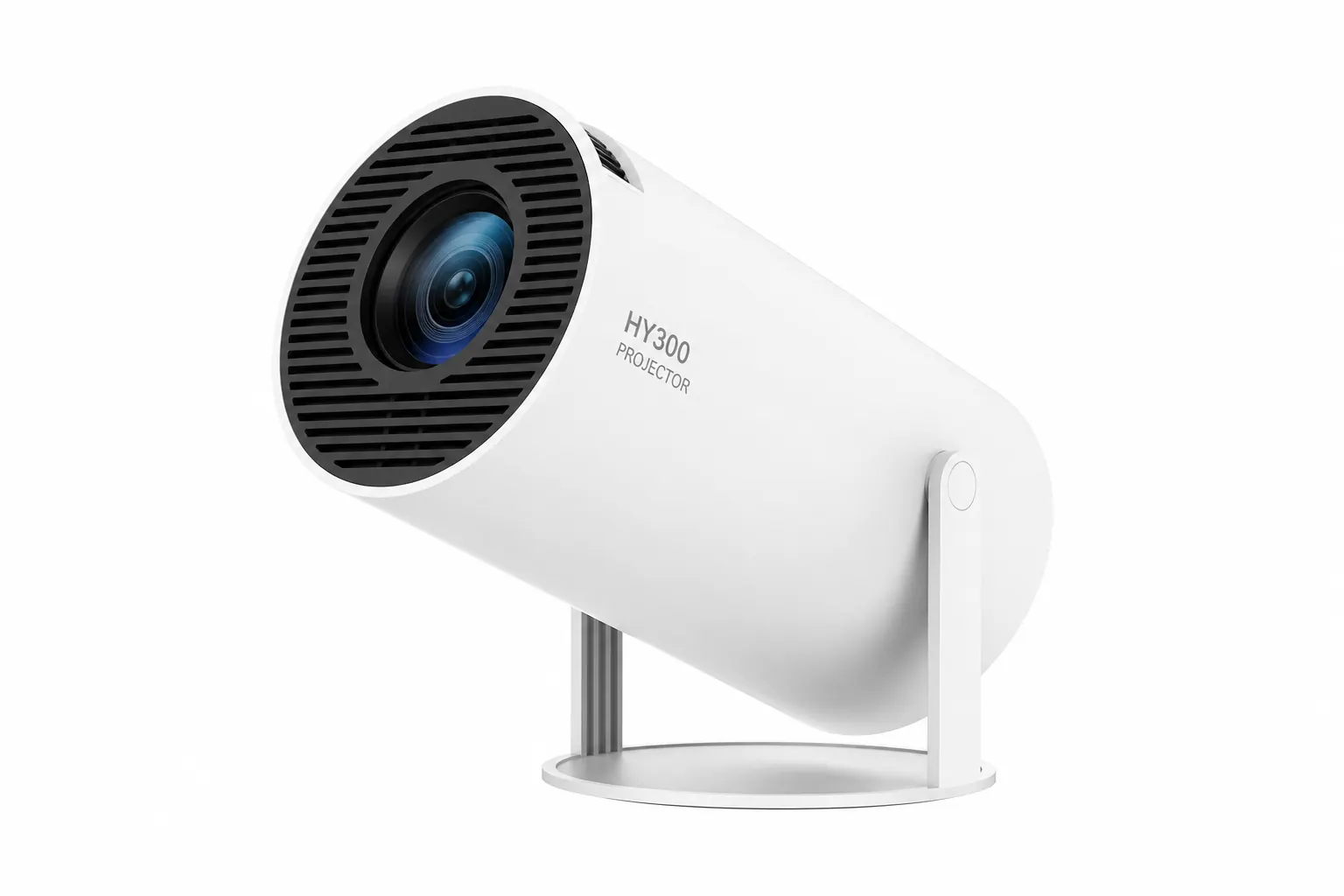
Base model with native 720p, Android 11, dual-band Wi-Fi, and the signature 180° stand for everyday streaming.
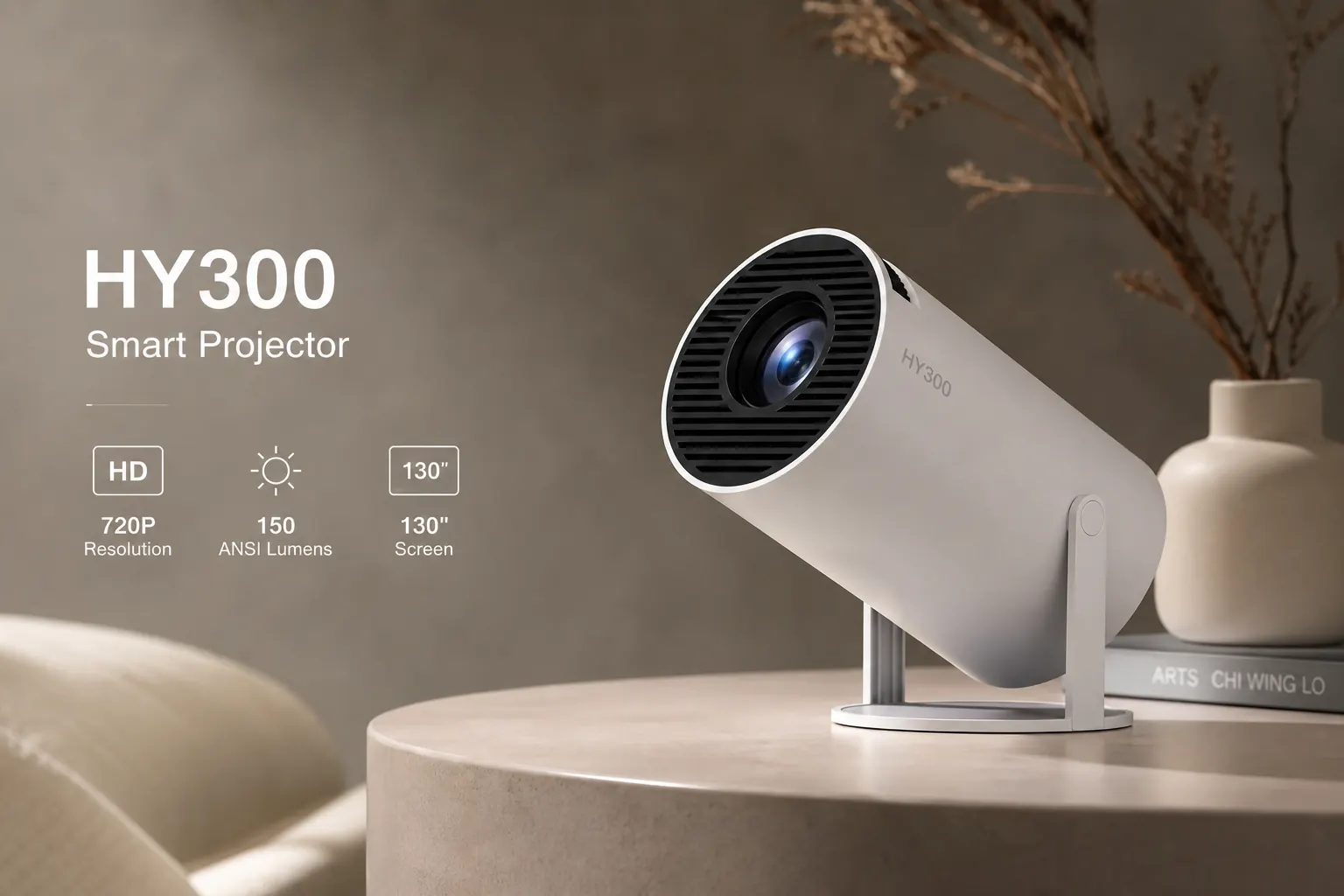
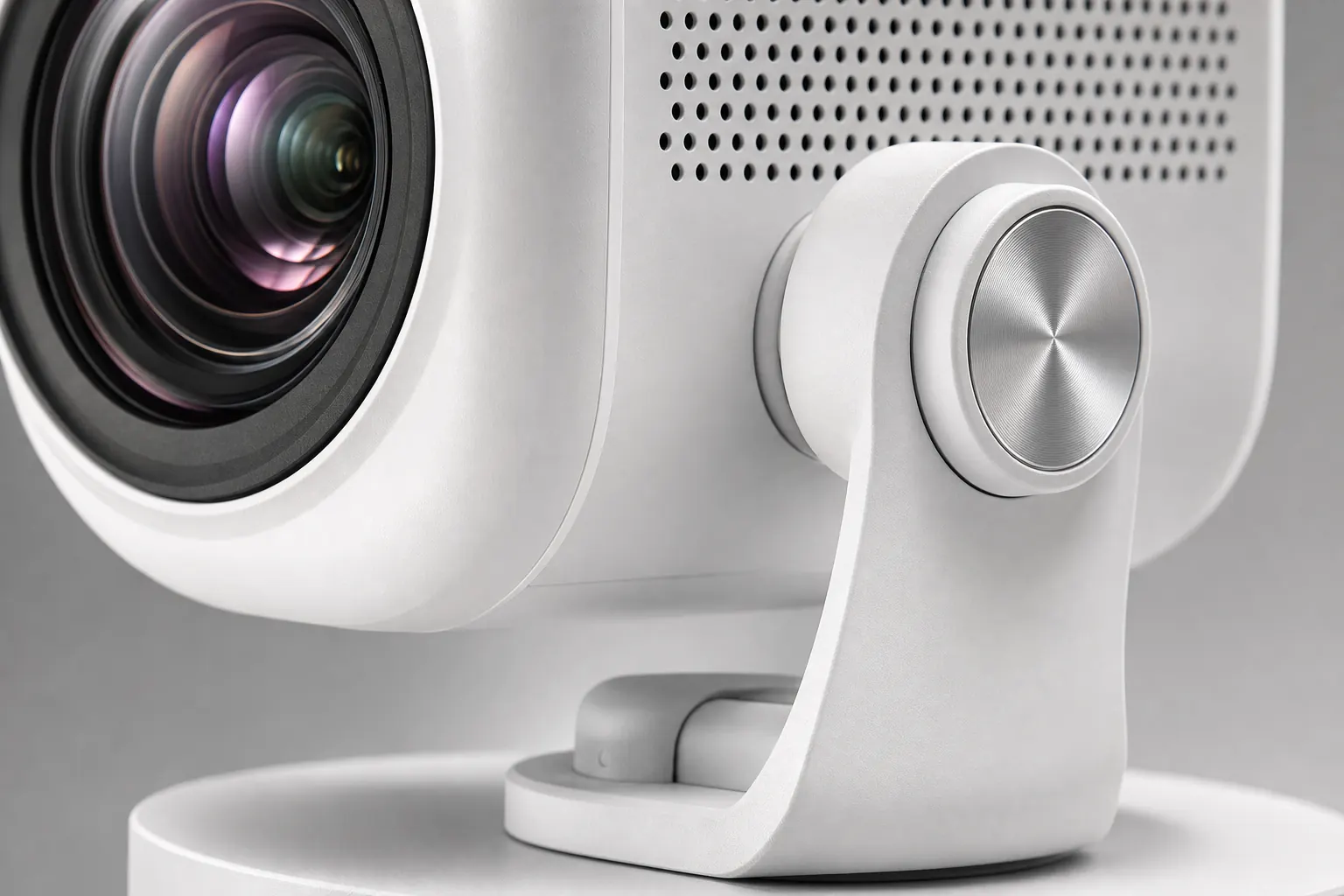
See DetailsThe HY300 Projector is a budget-friendly portable smart projector with native 720p resolution, built-in Android streaming, and a unique 180-degree rotating stand for walls and ceilings.
Stream Netflix, YouTube, and Disney+ without a stick. Mirror your phone with AirPlay or Miracast. Auto keystone keeps the image rectangular even at an angle. From bedroom movie nights to travel presentations, the HY300 packs cinema flexibility into a compact body.
Smart streaming
Android built in
Explore the guide
Every section covers a different part of your HY300 journey — from technical specs to firmware updates and real owner feedback.
Resolution, brightness, ports, and throw distance.
View specs →Keystone, focus, and image calibration tools.
See features →Keep Android and projection software current.
Update guide →Remote control and casting from your phone.
App guide →Honest feedback on sound, setup, and value.
Read reviews →Audio, focus, and room placement advice.
Get started →Popular models
Four common HY300 variants buyers compare first — each shares the rotating stand and Android core with small spec differences.
Base model with native 720p, Android 11, dual-band Wi-Fi, and the signature 180° stand for everyday streaming.
See Details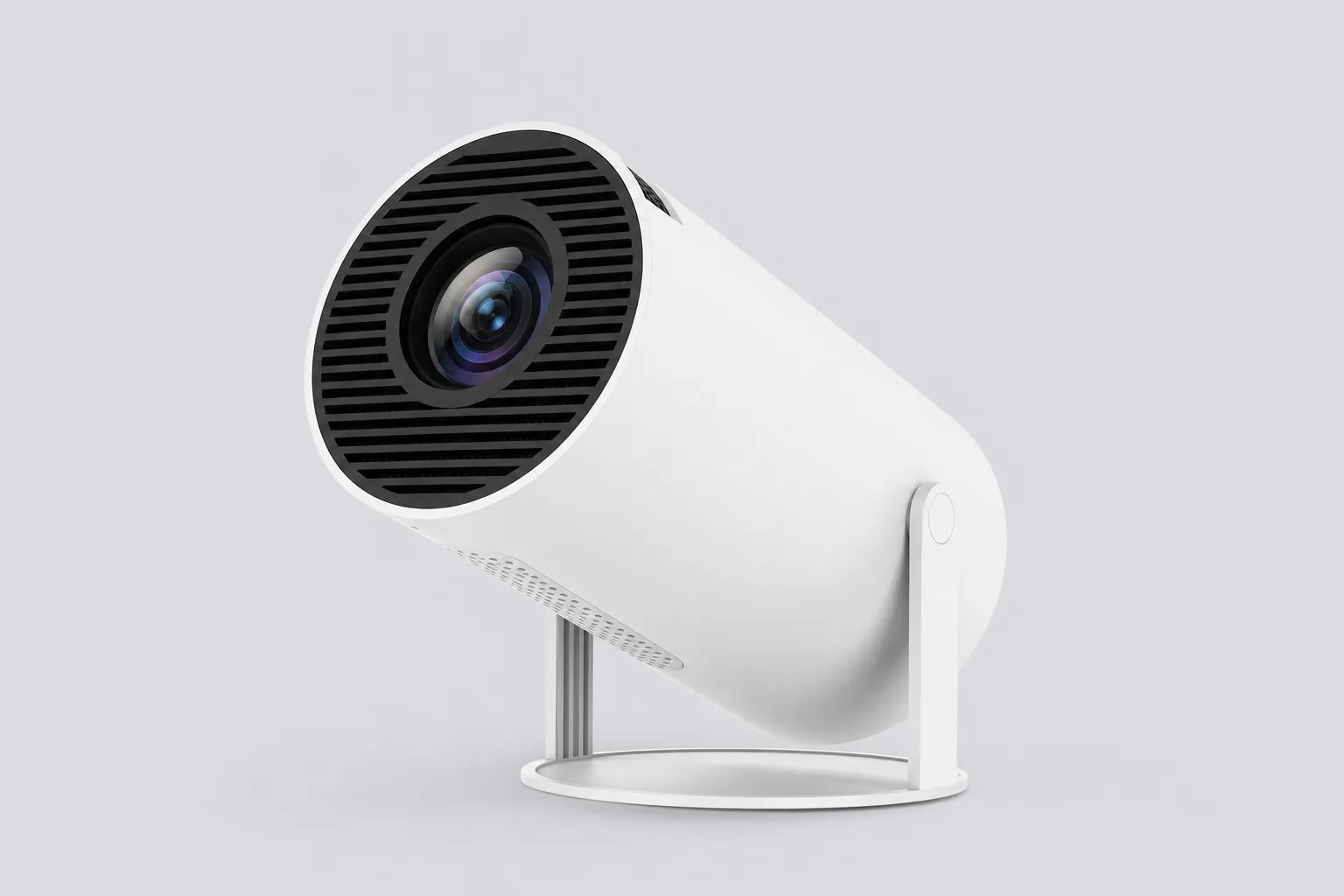
Upgraded variant with Android 14, Bluetooth 5.4, and slightly higher ANSI lumen output for brighter rooms.
See Details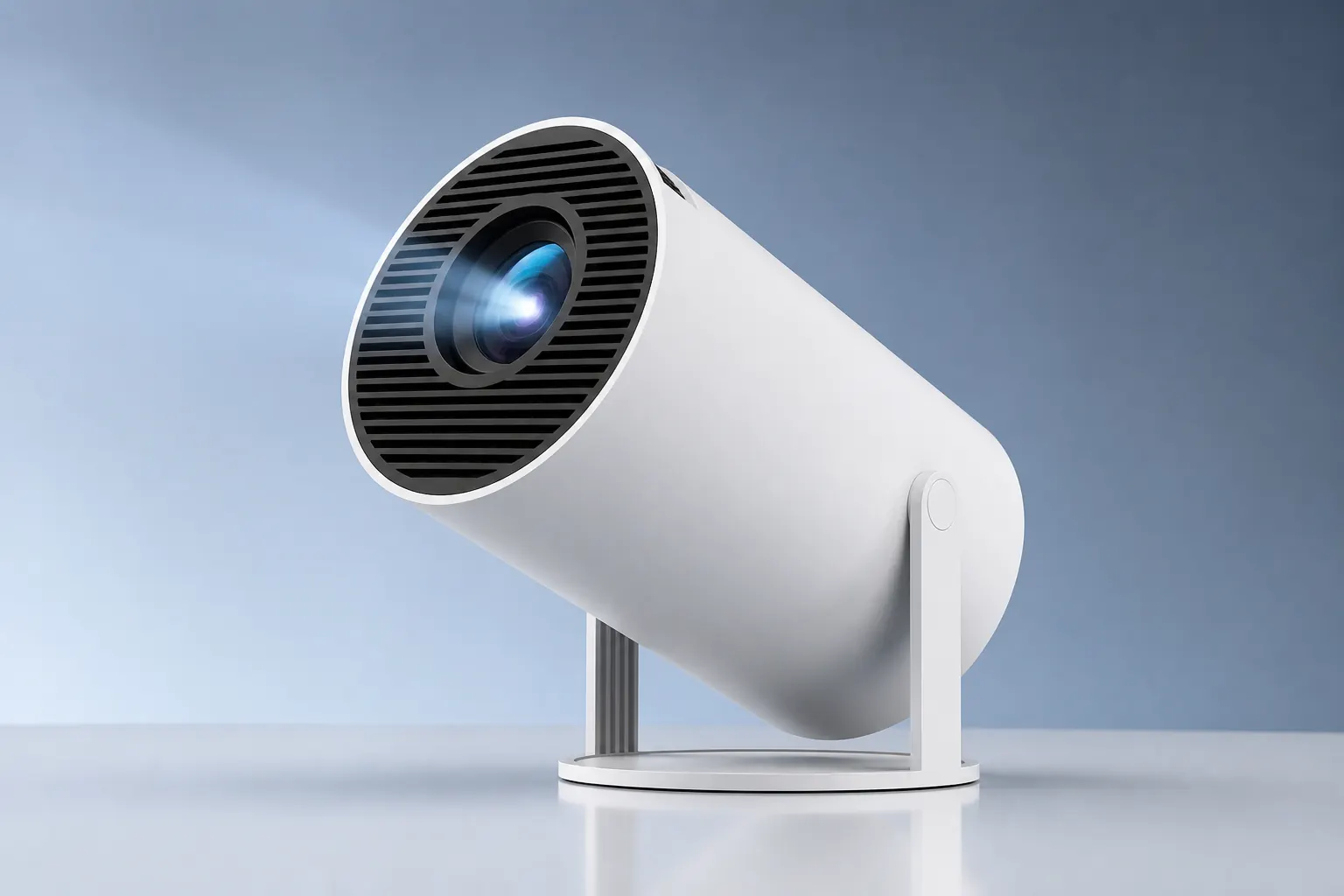
Enhanced audio tuning and pre-installed streaming apps for faster out-of-box movie nights in dim rooms.
See Details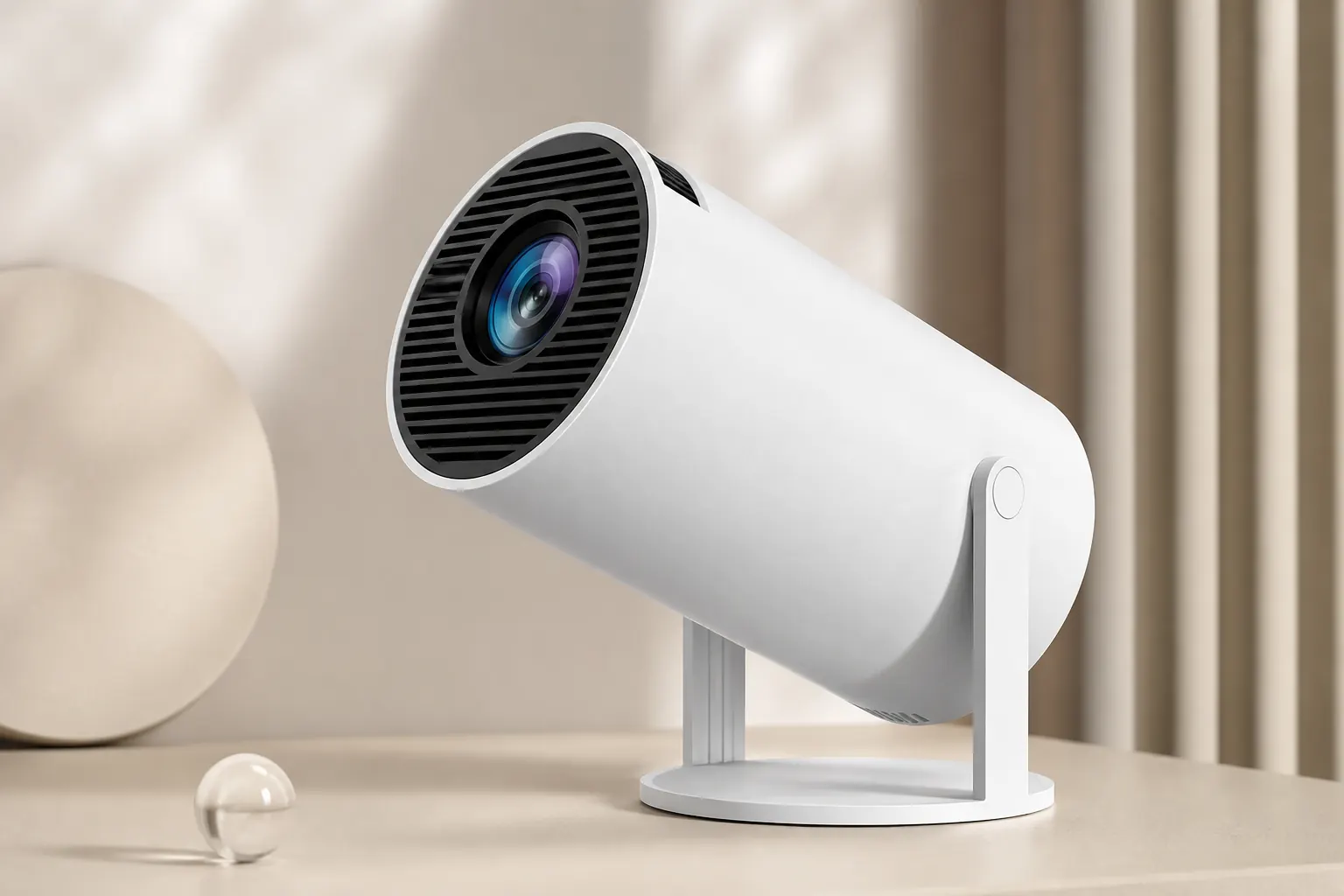
4K input decoding support with improved lens coating for sharper edges on larger 100–130 inch screens.
See Details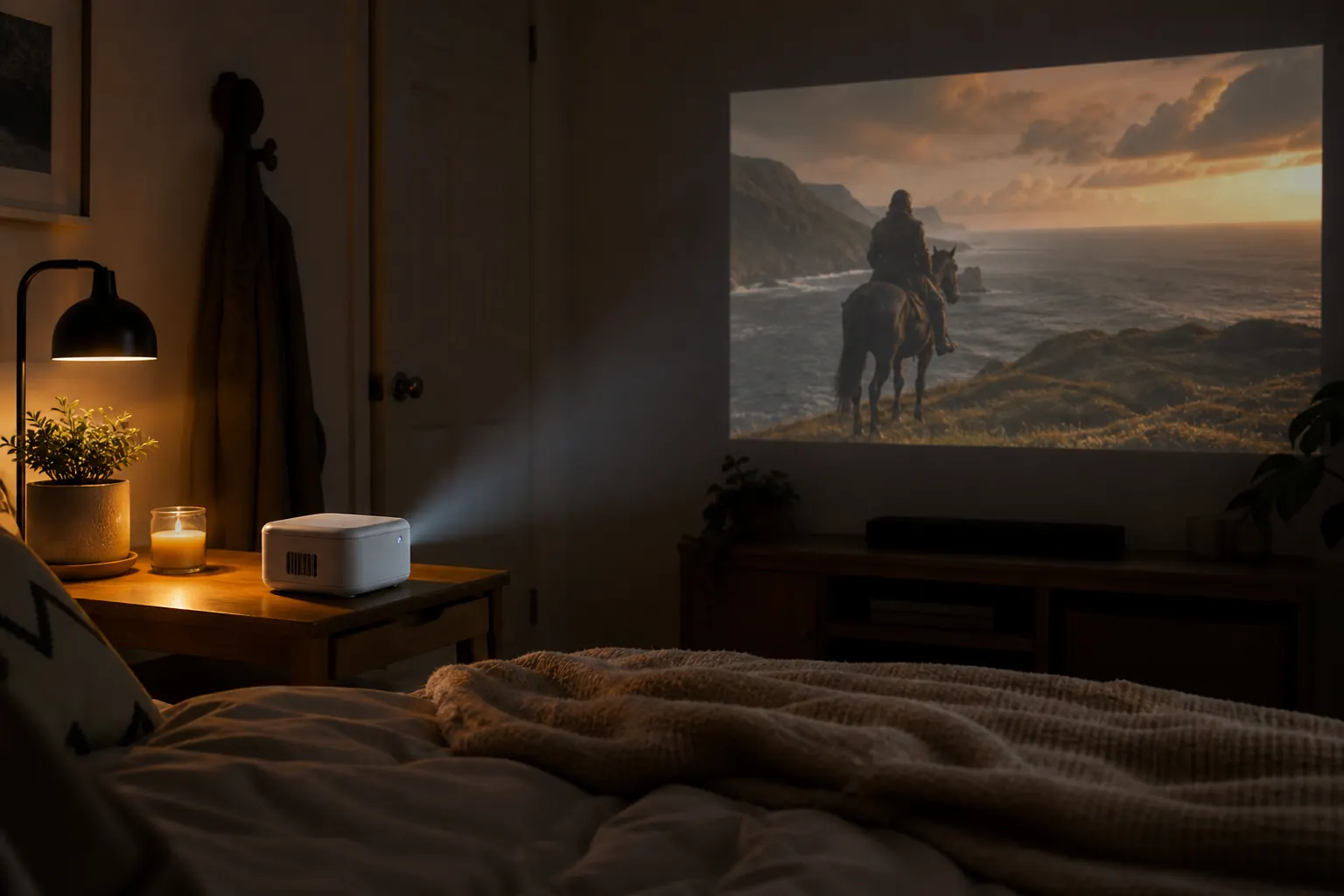
Brand story
The HY300 Projector became popular because it solves a simple problem: most people want a big screen experience without mounting a permanent TV or spending thousands on a home theater.
At roughly the size of a paperback book, the HY300 fits in a backpack yet throws images from 40 to 130 inches. Native 720p keeps motion smooth for streaming and casual gaming. 4K input support means your source device can send high-resolution content even though the panel outputs HD.
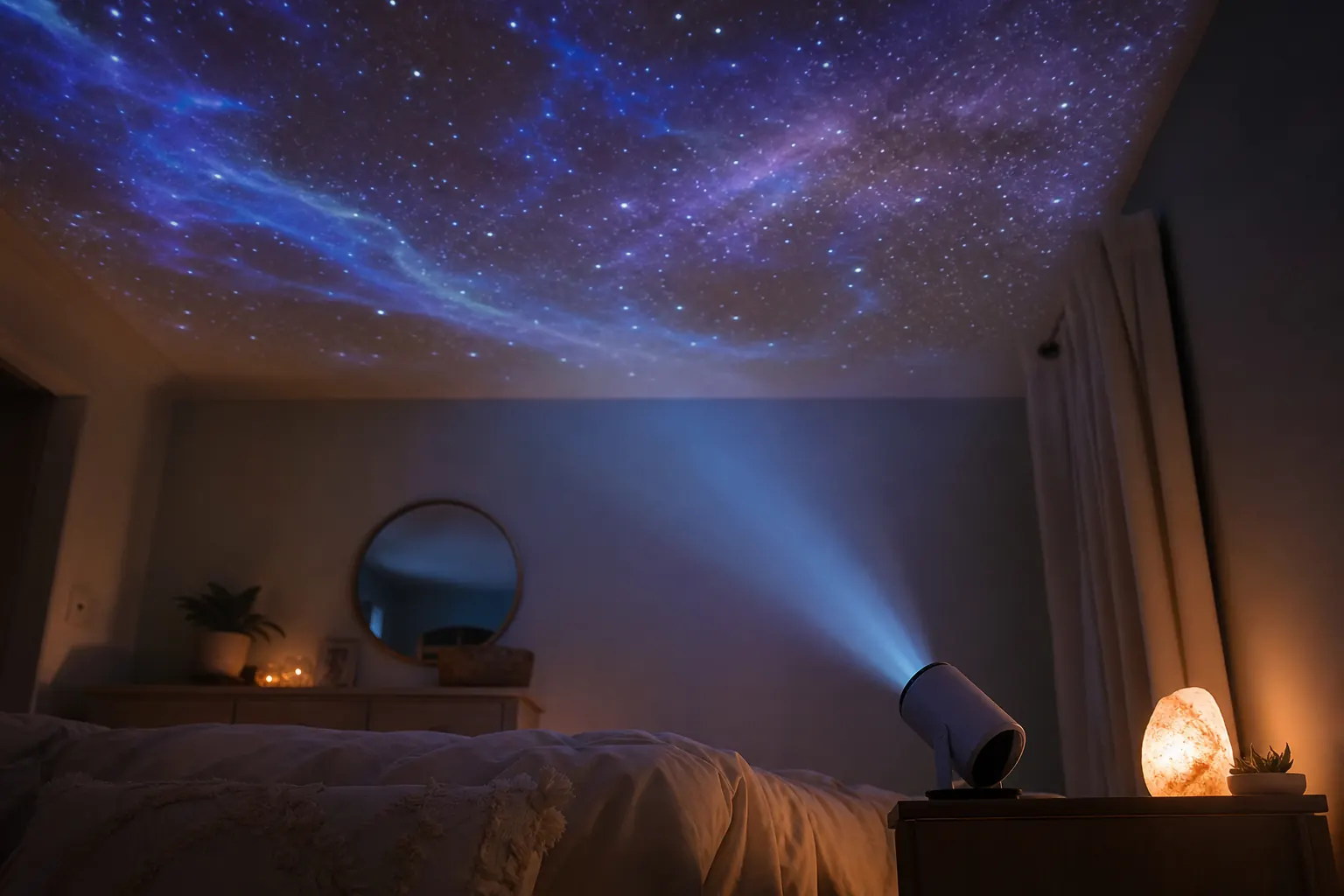
Built-in Android eliminates the dongle drawer. Download apps directly, connect dual-band Wi-Fi, and pair Bluetooth speakers when the onboard driver feels thin. The 180-degree stand is the feature owners mention most — ceiling projection for bedtime viewing takes seconds, not a tripod hunt.
We built this guide to help you set up confidently. Dive into full specifications, learn auto adjustment tools, and read what owners say in our reviews hub.
Apps install directly on device.
Walls, ceilings, any angle.
AirPlay and Miracast ready.
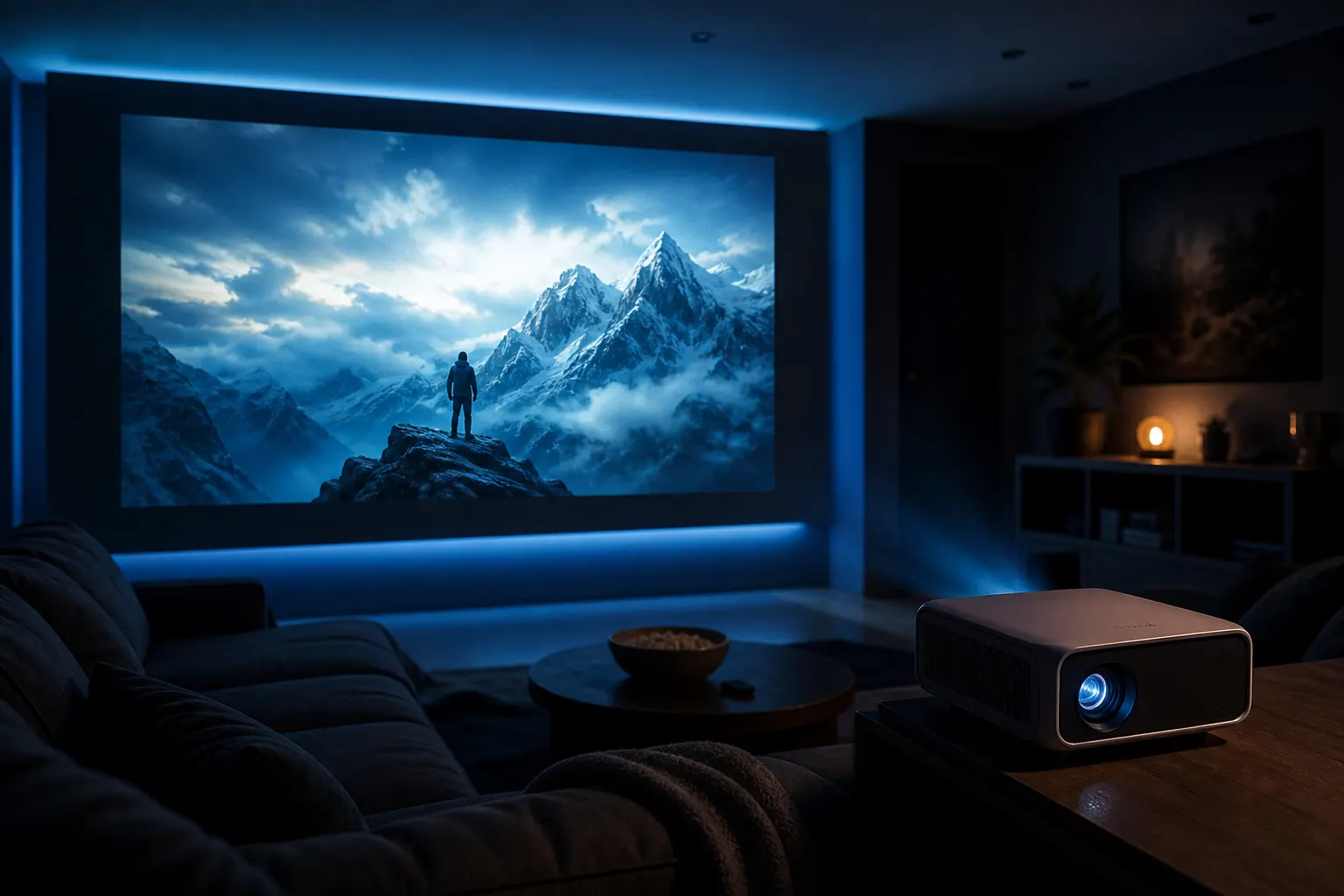
Dim the lights, tilt the stand, and stream — explore auto adjustment features and the companion app for the full experience.
Explore FeaturesWhy owners choose it
The HY300 earns its reputation through practical design choices — not spec-sheet padding. Every feature maps to something you do on movie night.
Auto keystone correction keeps rectangles rectangular when the projector sits off-center. Manual focus on the lens barrel dials in sharp text for presentations. Dual-band Wi-Fi handles HD streams without stutter in most home networks.
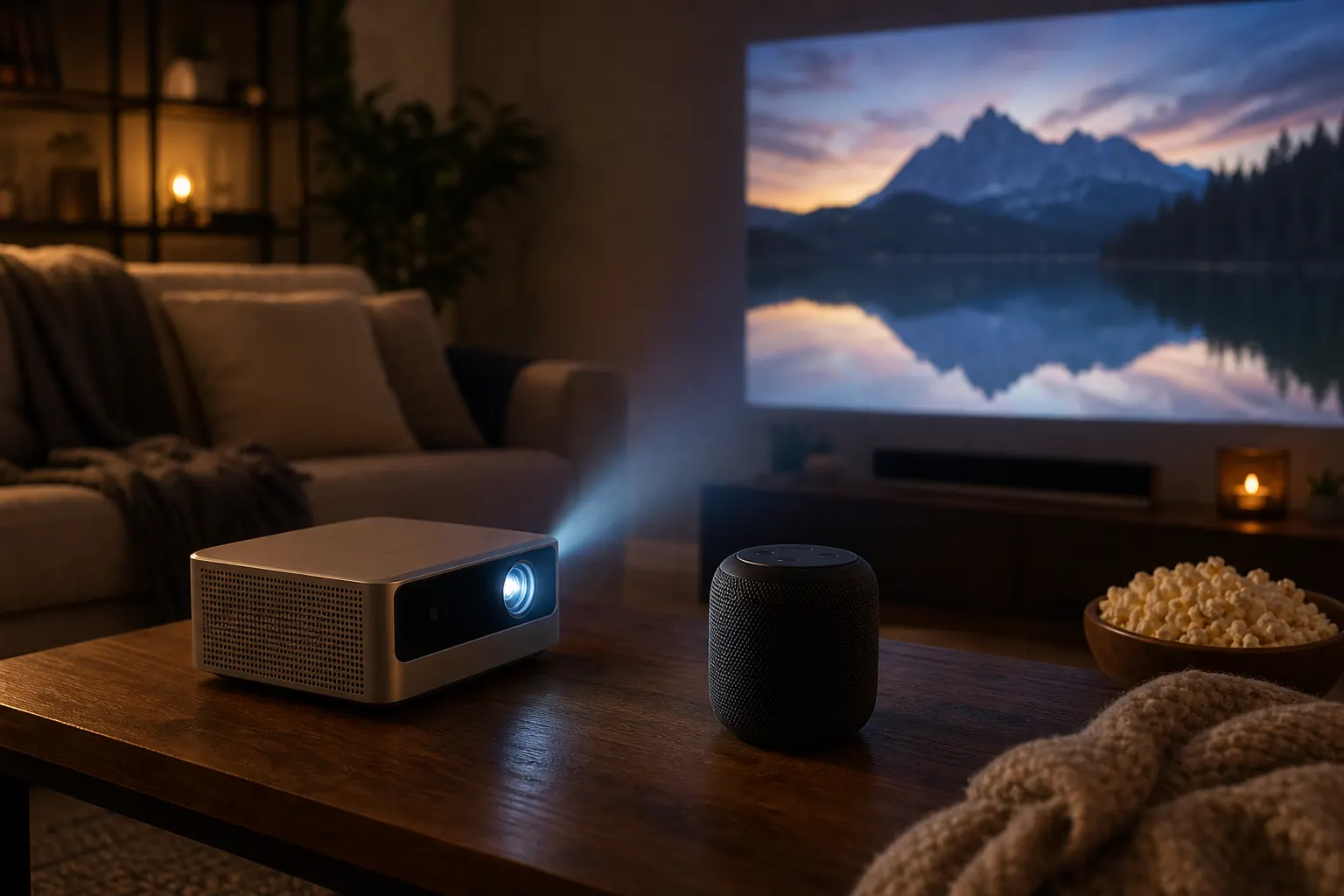
Honest limitations matter too. The built-in speaker works for casual viewing but sounds thin for action films — pairing a Bluetooth speaker through Settings transforms the experience. The power cord is short, so plan outlet placement or use a safe extension. Read balanced owner takes on our reviews page.
Square image at any angle.
Pair external speakers easily.
Stable streaming at home.
Crisp text and edges.
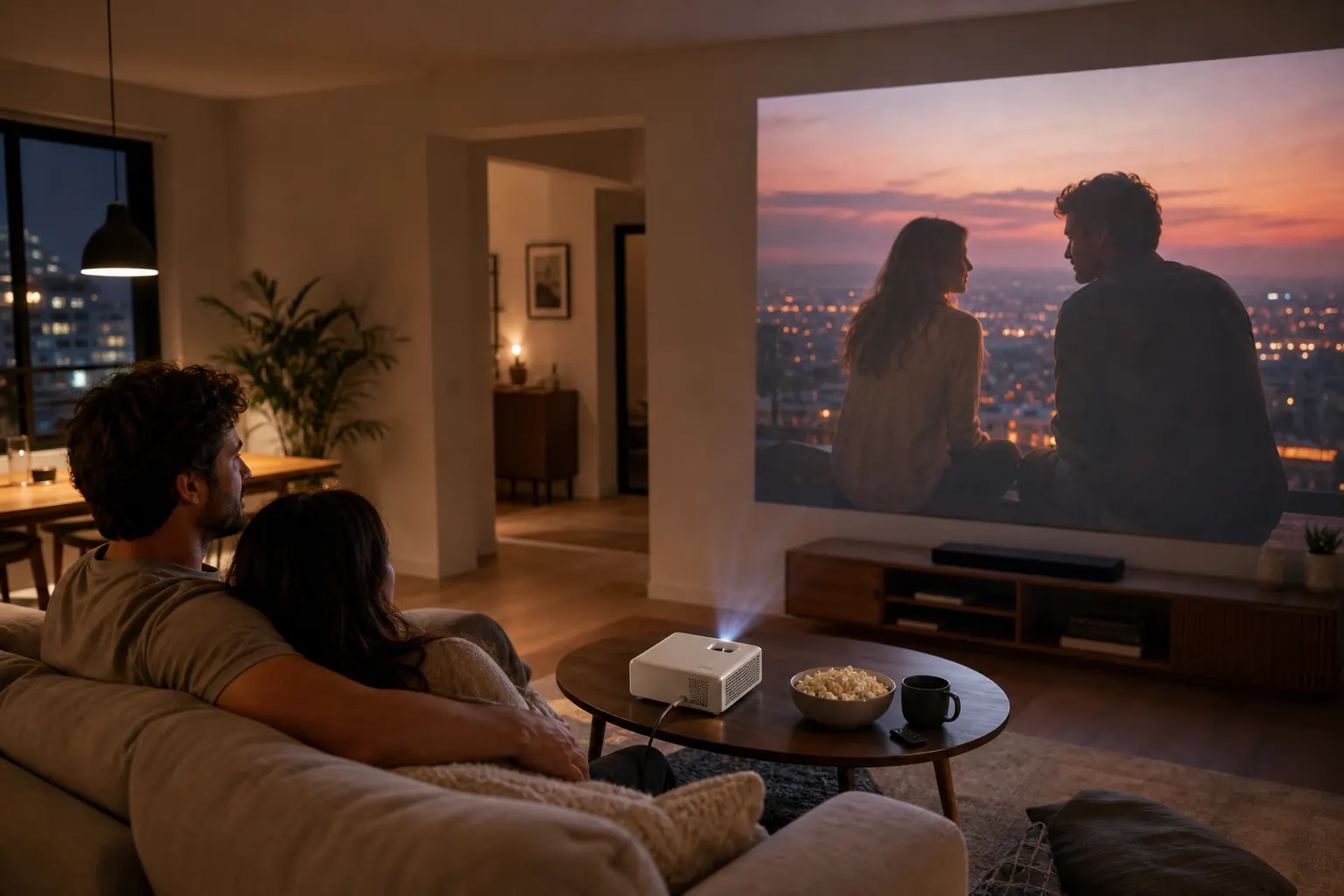
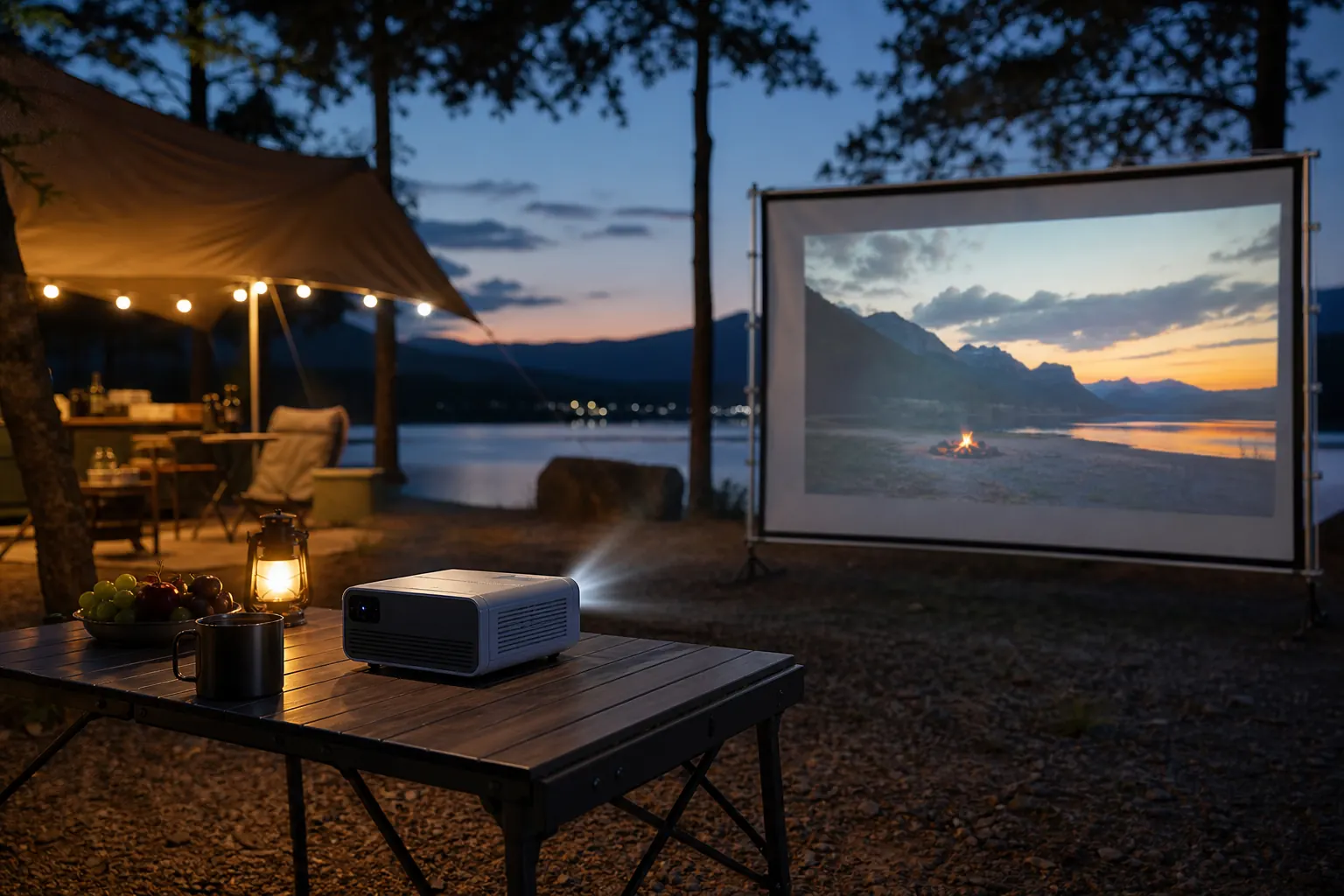
Real setups
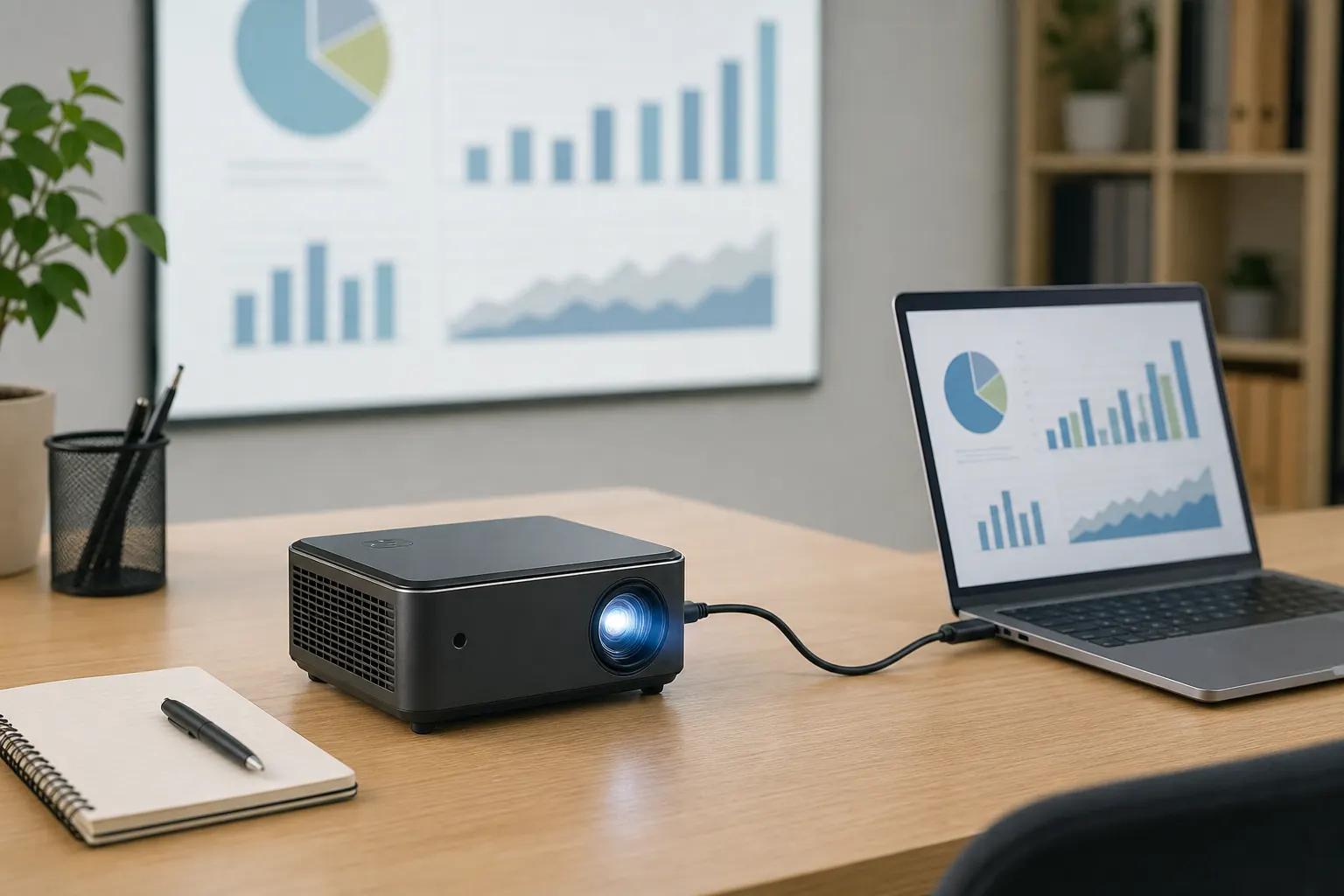
Bedroom walls, camping trips, and backyard nights — the HY300 adapts to how you actually watch content.
By the numbers
Reviews
Setup guide
Getting the HY300 ready takes minutes when you follow a logical sequence. Position the stand, connect power and Wi-Fi, install your apps, then fine-tune focus and keystone. Our specifications page lists every port — here is the overview most owners follow.
Choose your surface first. A white or light gray wall reflects best. For ceiling viewing, lock the 180-degree stand at the angle you need and confirm the image lands clear of light fixtures. Distance controls size: move back for 100+ inch throws, closer for compact bedrooms.
Connect dual-band Wi-Fi during initial Android setup. Install streaming apps from the built-in store or sideload APKs if your variant allows. If the remote feels sluggish, plug a USB mouse into the USB-A port for faster navigation — a tip many owners wish they knew on day one.
Roll the focus wheel on the lens barrel until text edges look crisp. Let auto keystone square the frame, then tweak manually if needed. For fuller sound, open Bluetooth Settings and pair your speaker before starting playback. Firmware and app guides live on our firmware and app pages.
Aim at wall or ceiling, adjust the 180° hinge.
Power on, join Wi-Fi, complete Android setup.
Download Netflix, YouTube, or your preferred services.
Dial in the lens, connect a Bluetooth speaker.
FAQ
More detail on specs, apps, and updates in our dedicated guides.
Native output is 720p HD. The HY300 also supports up to 4K input decoding, so source devices can send higher-resolution content that is scaled to the panel.
Yes. Most variants ship with Android 11 or Android 14 depending on the Pro/Plus model. You can install streaming apps directly without a secondary stick.
Brightness typically ranges from 200 to 300 ANSI lumens. It performs best in dark or dimly lit rooms — see our specifications for variant details.
Yes. The HY300 supports AirPlay and Miracast for mirroring iOS, Android, and laptop screens. Our app guide covers setup steps.
The built-in speaker handles casual viewing but sounds thin for movies. Pairing an external Bluetooth speaker through Android Settings is strongly recommended for better audio.
Explore the HY300 Projector — portable smart cinema with Android streaming, wireless casting, and a stand that points anywhere.
View Specs