
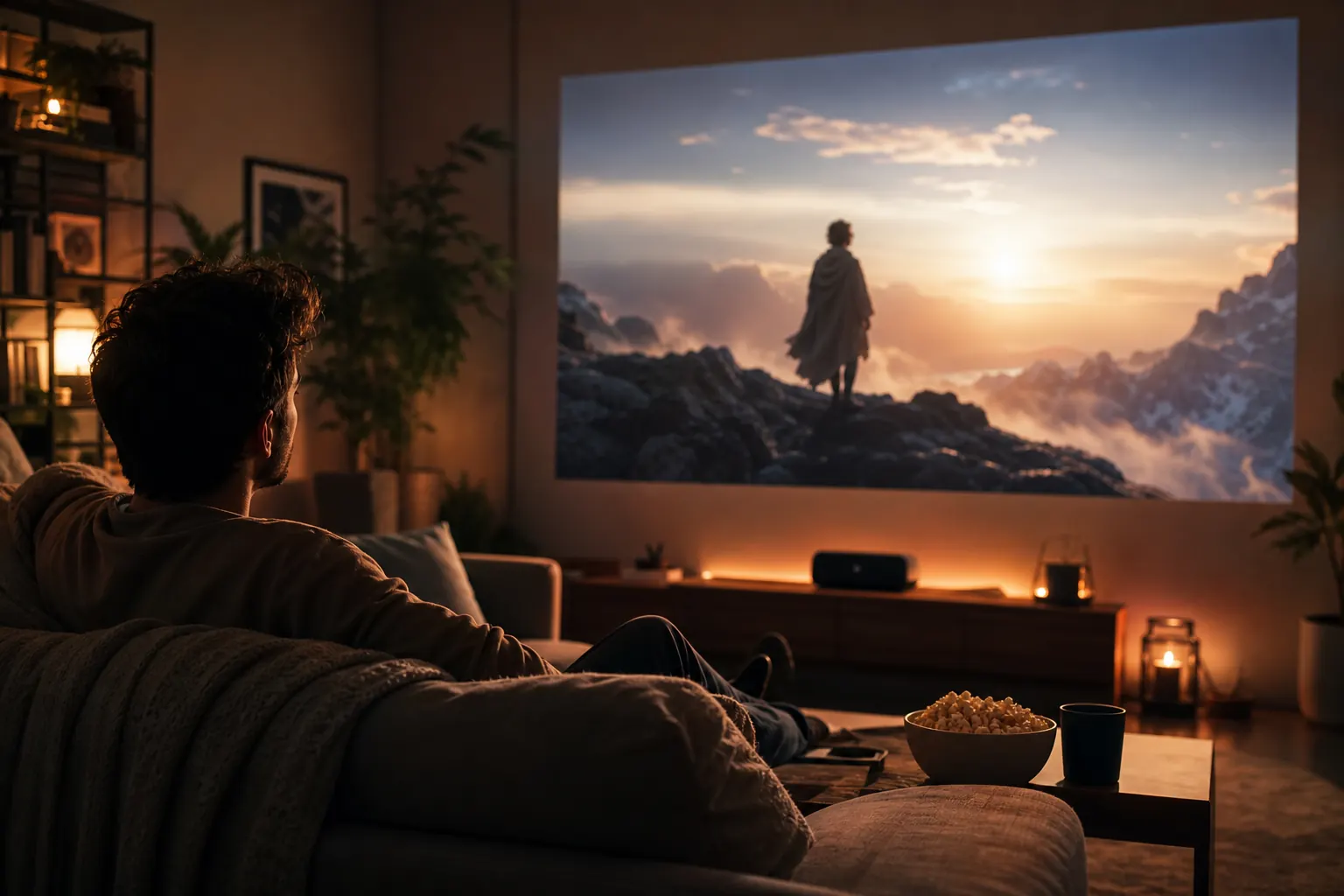
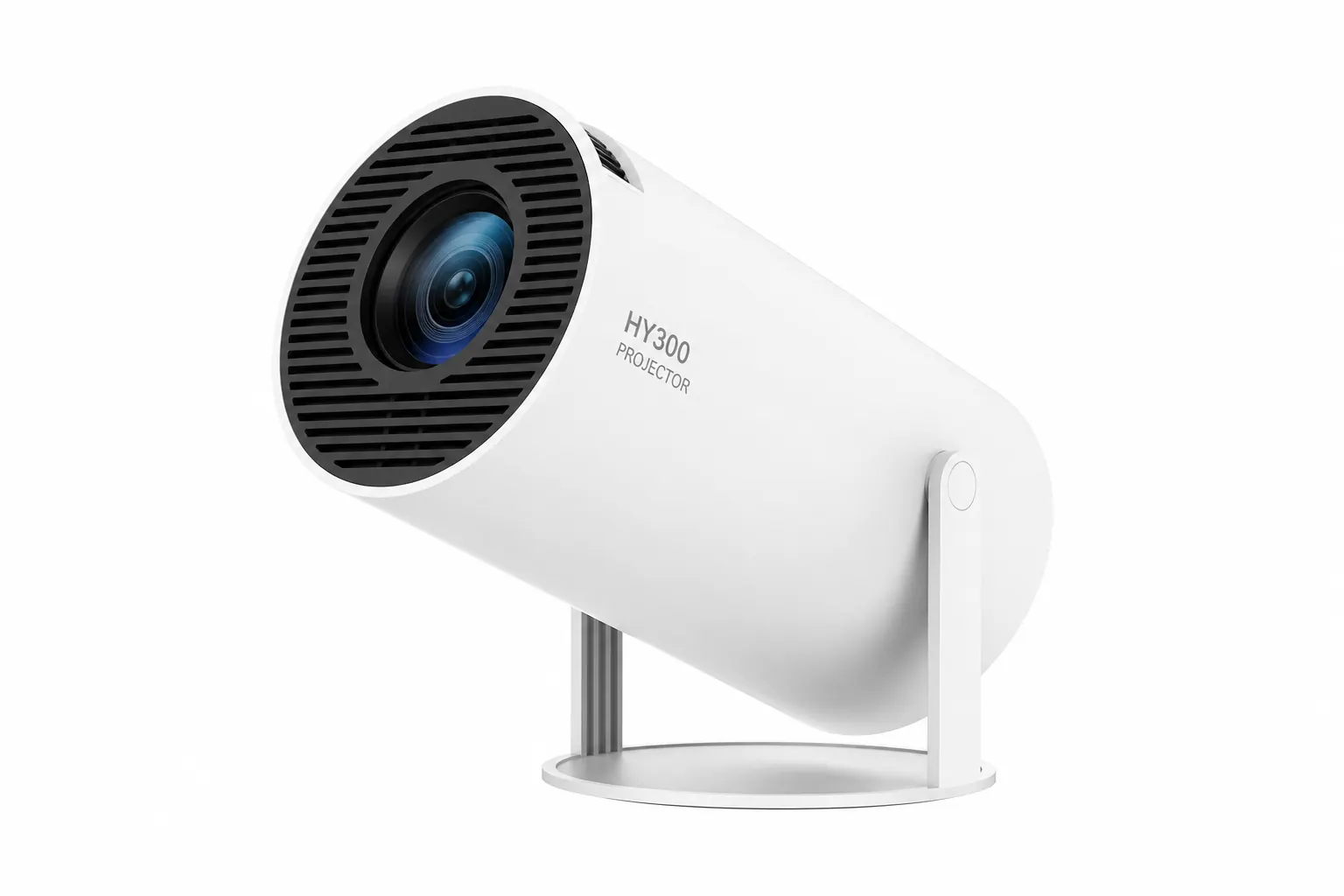
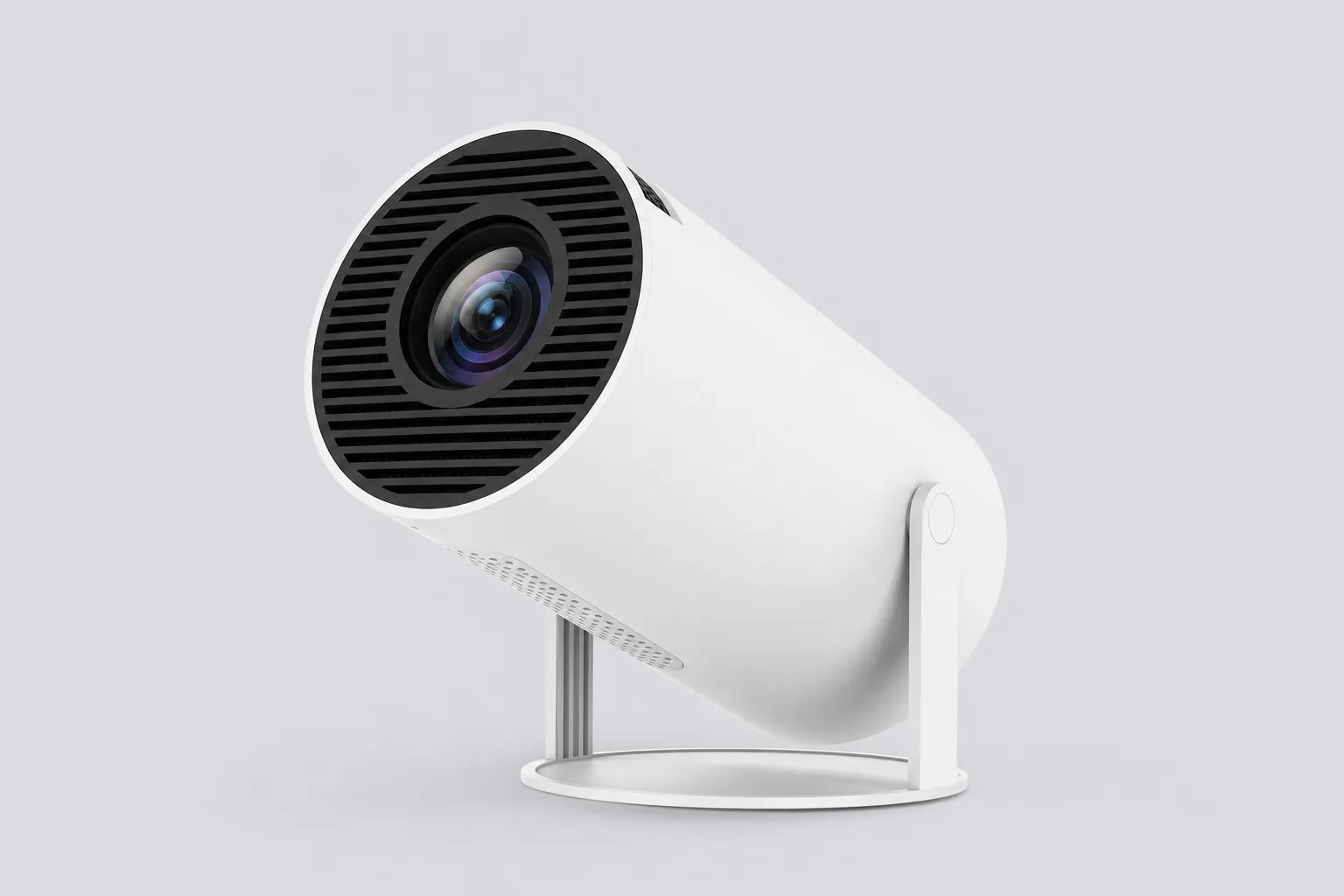
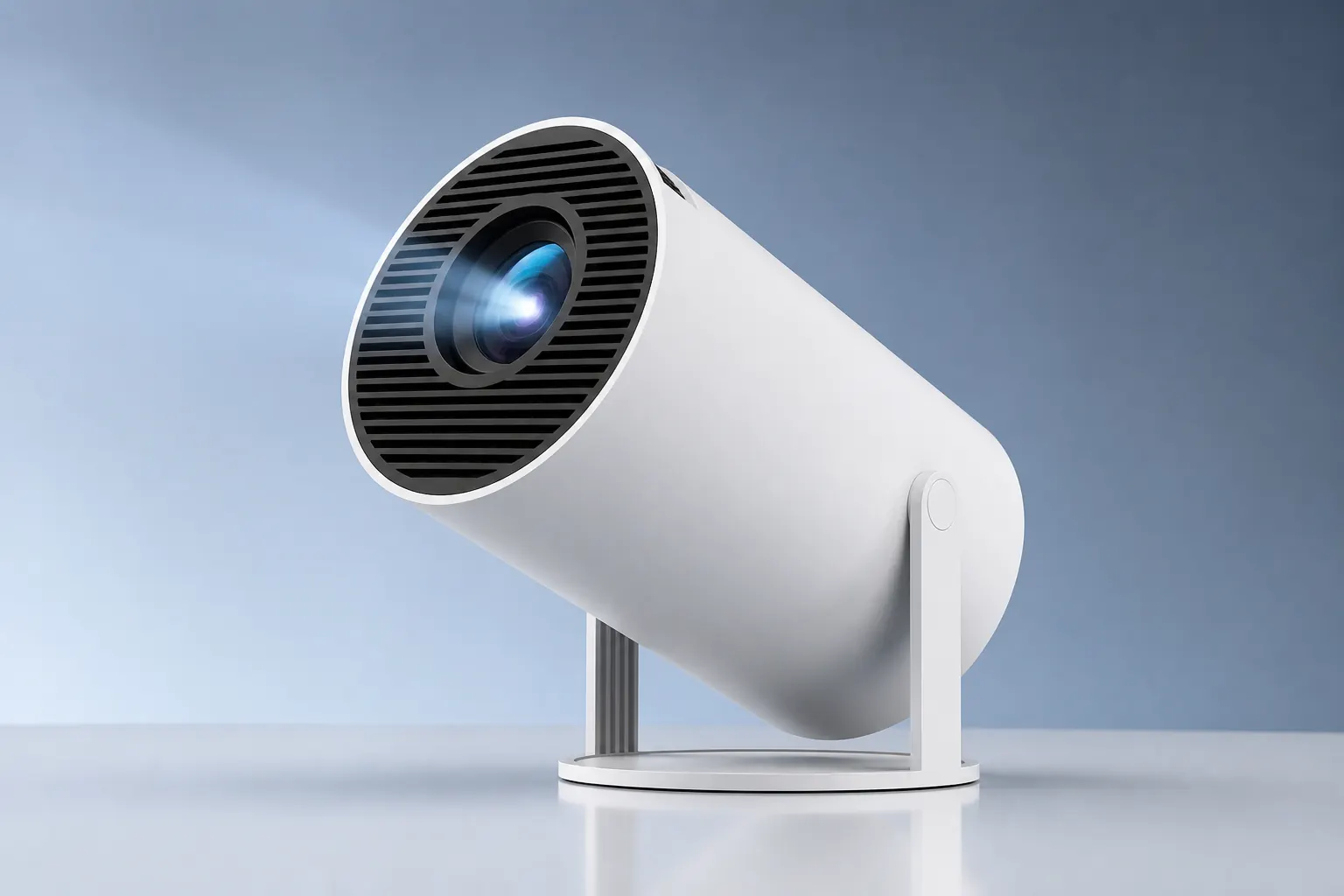
Marketing photos show the HY300 at its best. Owner reviews show what happens after weeks of bedtime streaming, camping trips, and kids leaving the remote in the toy box. The HY300 Projector earns strong ratings in the budget portable category — not because it beats thousand-dollar units, but because it delivers Android streaming, wireless casting, and a rotating stand at a price that feels fair. This guide distills recurring themes so you can read between the stars.
Cross-check technical claims on our specifications page. For setup help, see auto adjustment and the app guide.
Overall owner sentiment
Most HY300 reviews cluster around four stars with enthusiastic repeat buyers. Value for money dominates positive comments — owners expected a toy and got a usable bedroom cinema. Negative reviews usually involve unrealistic daylight expectations or skipped setup steps like focus and Bluetooth pairing.
Substantive critiques mention specific fixable issues: short power cord, audible fan, thin built-in speaker. Vague one-star posts often omit room conditions. Pattern: owners who dim the lights and pair external audio rate the HY300 significantly higher than those who stream in a bright living room with onboard sound.
Picture quality feedback
Native 720p satisfies owners at 60–90 inch sizes in dark rooms. Comments praise sharp Netflix text after manual focus adjustment. Complaints about softness usually involve maximum 130-inch throws or ambient light — both predictable for 200–300 ANSI lumens.
4K input support confuses some buyers who expect 4K on the wall. Educated owners understand scaling and rate picture accordingly. The Ultra variant earns slightly better edge-sharpness comments on large screens. Auto keystone receives consistent praise for off-angle nightstand placement.
Brightness in practice
Owners describe the HY300 as a nighttime and dim-room projector. Bedroom movie sessions earn the most praise. Living room use with lamps on draws mixed reviews. Pro variant owners report modestly better performance in partially lit spaces thanks to higher ANSI output.
Outdoor camping reviews are positive at dusk with a white sheet. Midday backyard attempts fail — owners who understand the limitation still rate the product highly for its intended use case.
Android streaming praise
Built-in Android is the most cited reason for purchase. Owners love skipping streaming sticks. Netflix, YouTube, and Disney+ install directly. Android 11 works for most apps; Pro owners with Android 14 report fewer compatibility hiccups with newer app versions.
Navigation with the IR remote takes learning — owners recommend the companion phone app or USB mouse for initial Wi-Fi setup. Once apps are signed in, daily use is remote-simple. Pre-installed apps on the Plus variant earn praise for five-minute first-night readiness.
Rotating stand stories
The 180-degree stand generates the most emotional positive reviews. Ceiling bedtime viewing without a tripod is the headline use case. Owners describe tilting from the nightstand and watching an entire series before sleep.
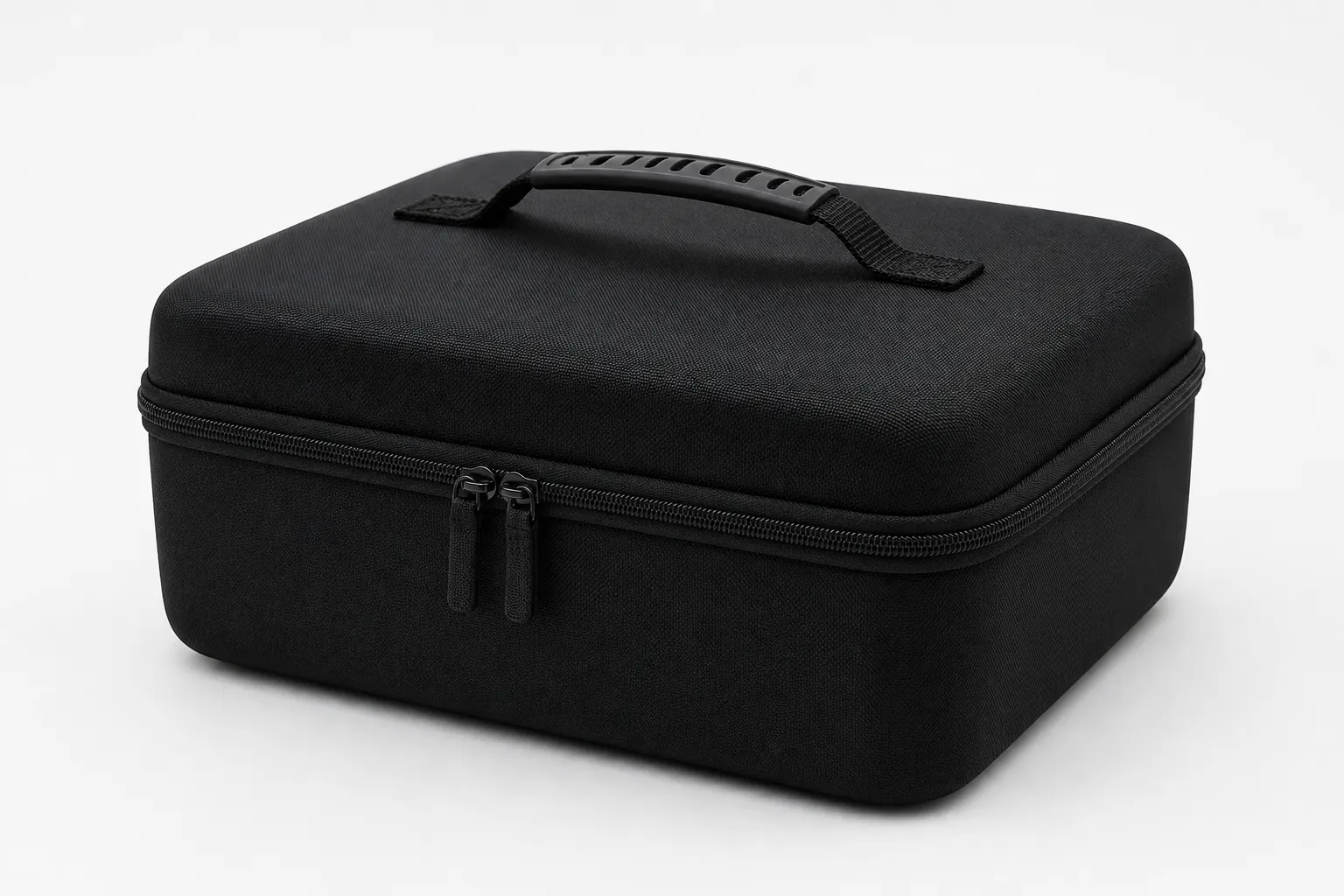
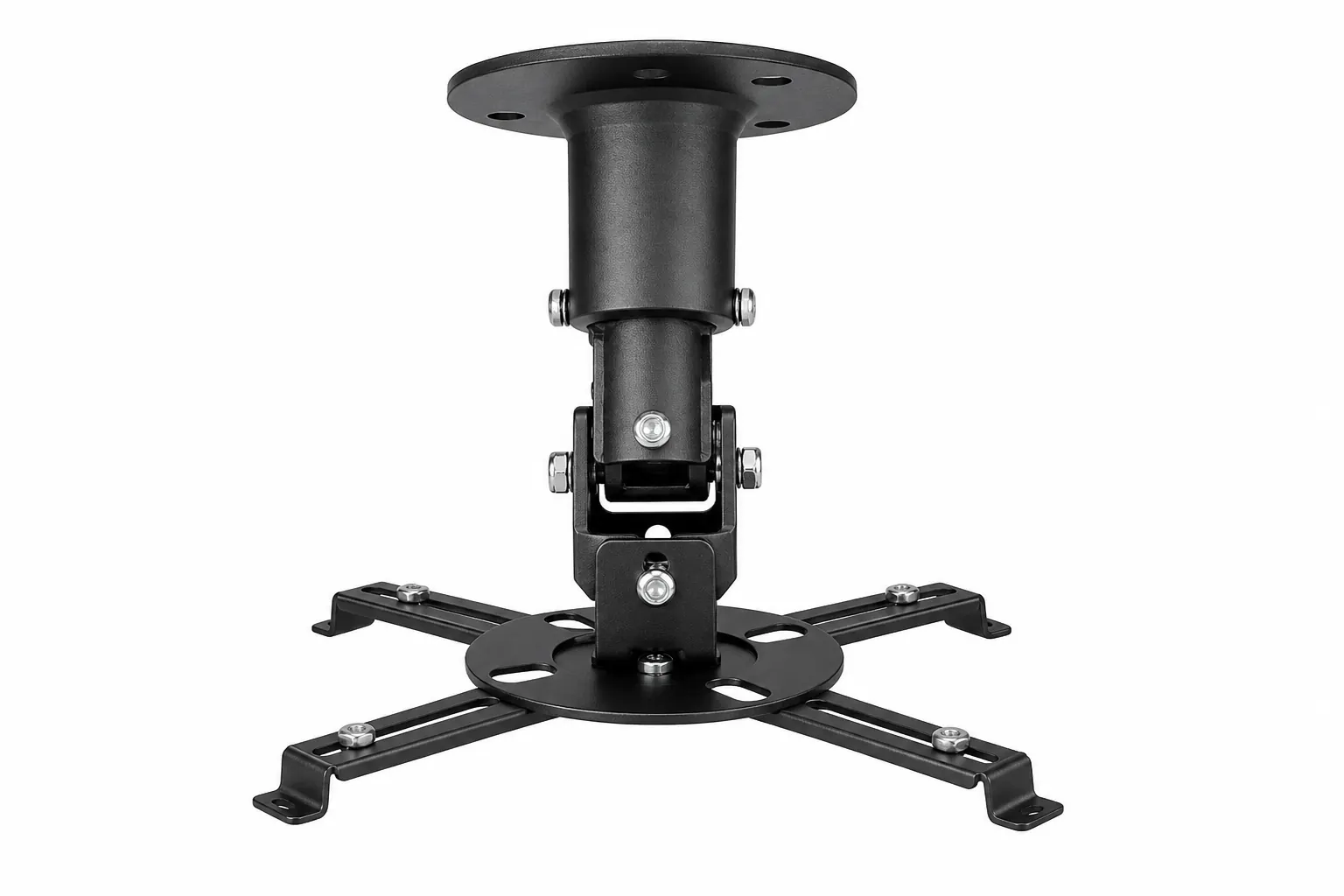
Travel reviewers pack the HY300 in padded cases for hotel walls. Presentation users appreciate quick aim adjustments. Rare hinge complaints involve rough handling — the stand is sturdy for normal tilt but not a replacement for ceiling mounts in permanent installs.
Audio and Bluetooth
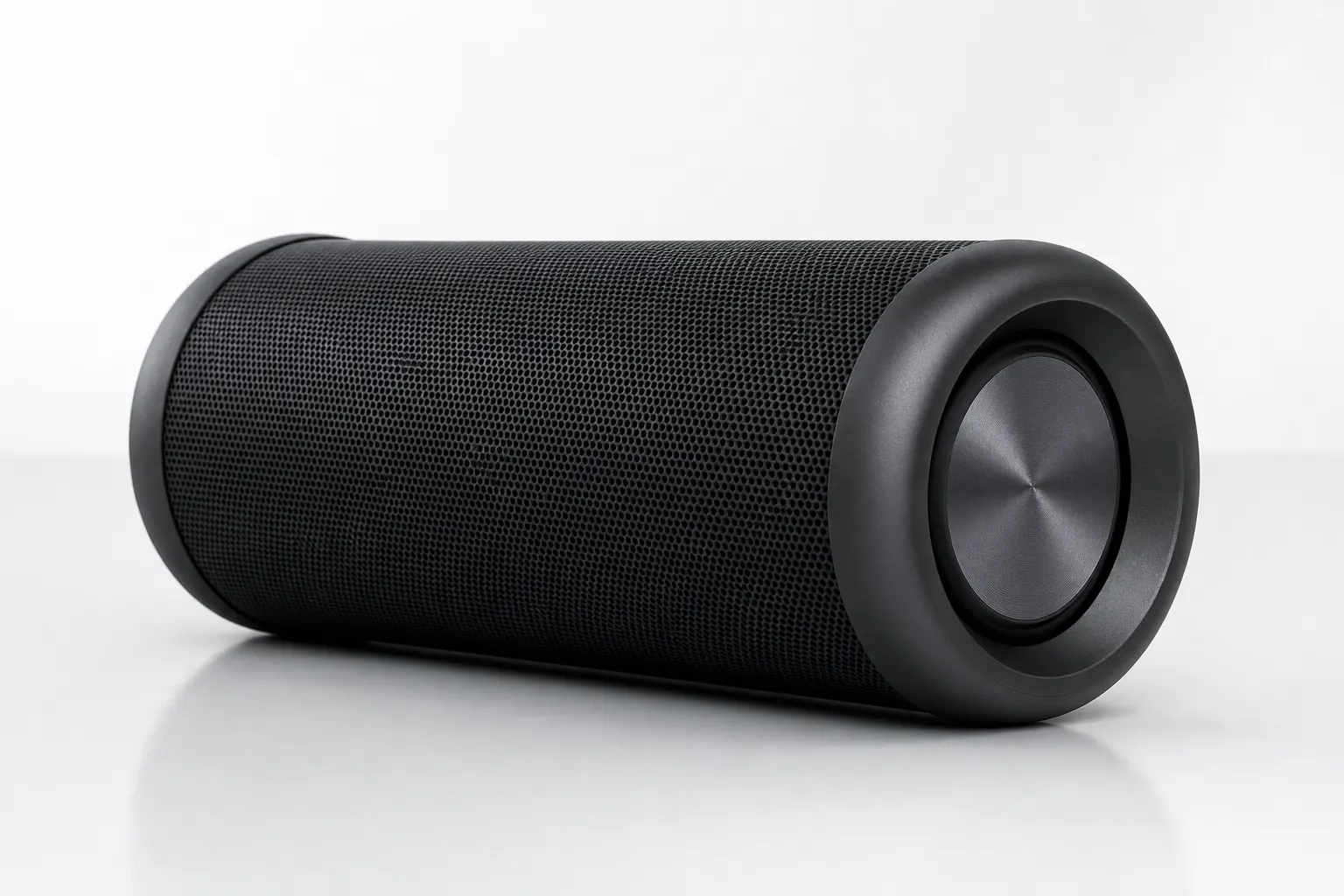
Built-in speaker reviews are honest: fine for kids shows, thin for films. The consensus upgrade path is Bluetooth pairing through Android Settings. Owners describe immediate improvement for action movies and music concerts.
Bluetooth 5.4 on Pro models gets better range comments than 5.0 on Standard units. Lip-sync issues are rare. Several reviews wish the power cord were longer so speakers could sit farther from the outlet — plan cable routing accordingly.
Wireless casting experiences
AirPlay and Miracast work well for video mirroring according to most owners. iPhone users praise Control Center casting. Android users occasionally report discovery issues solved by matching Wi-Fi bands. Firmware updates improve stability over time — check our firmware guide after purchase.
Gaming latency through wireless casting draws mixed reviews — fine for casual play, not for competitive titles. HDMI wired connection resolves lag complaints for laptop gamers.
Setup and learning curve
First-time projector owners report 15 to 30 minute setup including Wi-Fi, app installs, focus, and keystone. Experienced owners go faster. Tips that appear repeatedly: use a USB mouse, pair Bluetooth speaker early, dim the room before judging picture, and update firmware on day one.
Owners who read a quick setup guide rate satisfaction higher than those who unbox cold. Our homepage setup section and specifications page address the sequence successful reviewers follow.
Common owner complaints
Recurring negatives: short power cord, fan noise in quiet scenes, modest built-in speaker, 720p not 1080p. Firmware batch variation confuses buyers who expected identical Android versions. Some units ship without Google Play — sideloading required.
None of these surprise informed buyers. Reviews that set proper expectations still land at four stars because the rotating stand and Android value outweigh the compromises for bedroom cinema.
Variant comparison from owners
Standard: best value comments, dark room only. Plus: fastest first-night setup. Pro: brighter, smoother apps, worth the step-up for brighter rooms. Ultra: sharper large-screen edges, recommended for 100+ inch throws.
Accessory mentions: travel case for portability, Bluetooth speaker for audio, ceiling mount for permanent bedroom installs. HDMI cable for laptop presentations appears in office-use reviews.
Reading reviews wisely
Filter by use case — bedroom, camping, kids room, presentation. A camping review tells you little about ceiling projection. Look for mentions of room lighting, screen size, speaker setup, and Android version. Detailed four-star reviews often contain more useful information than vague five-star praise.
Ignore reviews comparing the HY300 to $800 laser projectors — different category. Compare within portable LED smart projectors at similar prices. Recent reviews reflect current firmware batches better than posts from early import runs.
Making your decision
HY300 owner reviews collectively describe a dependable budget smart projector for dim-room streaming, ceiling viewing, and travel. Pair Bluetooth audio, dim the lights, and set realistic size expectations — owners who do consistently recommend it.
Ready to dive deeper? Compare numbers on our specifications page, tune image quality via auto adjustment, and keep software current with the firmware guide.