Buying a portable projector without reading the spec sheet is how people end up disappointed on movie night. The HY300 Projector family packs a surprising amount of smart functionality into a paperback-sized body, but the numbers tell you where it shines and where you need realistic expectations. This guide breaks down resolution, brightness, operating system, connectivity, and physical design so you can match a variant to your room.
Cross-reference our auto adjustment guide for keystone and focus behavior, the firmware page for Android version details, and owner reviews for real-world impressions beyond the datasheet.
Display and resolution
The HY300 outputs native 720p HD (1280×720). That is the panel resolution — what actually hits your wall. It also accepts up to 4K input from HDMI or casting sources, then scales content down to 720p for display. This matters because your Netflix or gaming console can send a high-resolution signal without compatibility errors, even though the projected image remains HD.
For streaming and casual gaming, 720p looks sharp at 60–80 inch sizes in a dark room. Push toward 120–130 inches and pixel structure becomes visible — normal for this price class. The Ultra variant adds improved lens coating that tightens edge focus on larger throws. Manual focus on the lens barrel remains essential; roll it until text edges look crisp before relying on auto keystone.
Brightness and lumens
ANSI lumen ratings on the HY300 typically fall between 200 and 300 lumens depending on variant. The Standard model sits near 200 ANSI; Pro and Ultra variants reach the upper range. These are honest numbers for a portable LED projector — enough for bedroom and living room use when lights are dim or off.
Daylight viewing is not the HY300's strength. Ambient light washes the image quickly. Owners who treat it as a nighttime cinema tool report the best satisfaction. If your room has unavoidable light leakage, consider a darker projection surface or the Pro variant's higher output. Pairing a grey or ALR screen helps more than chasing inflated lumen claims on budget competitors.
Android operating system
Most HY300 units ship with Android 11 on the Standard and Plus models. The Pro variant commonly runs Android 14 with a more current security patch level and smoother app compatibility. Built-in Android means you install Netflix, YouTube, Disney+, and other streaming apps directly — no Fire Stick or Chromecast required.
Storage is modest on all variants, so install only the apps you use. Sideloading APKs works on many units but varies by firmware batch — check our firmware guide before relying on it. Navigation feels best with the included remote; plug a USB mouse into the USB-A port for faster initial setup. Google Play availability depends on the specific firmware package your unit received.
Wireless connectivity
Dual-band Wi-Fi (2.4 GHz and 5 GHz) handles HD streaming on typical home networks. Place the projector within reasonable router range — walls and microwave interference affect stability more than the radio itself. For congested apartments, force 5 GHz during Android network setup.
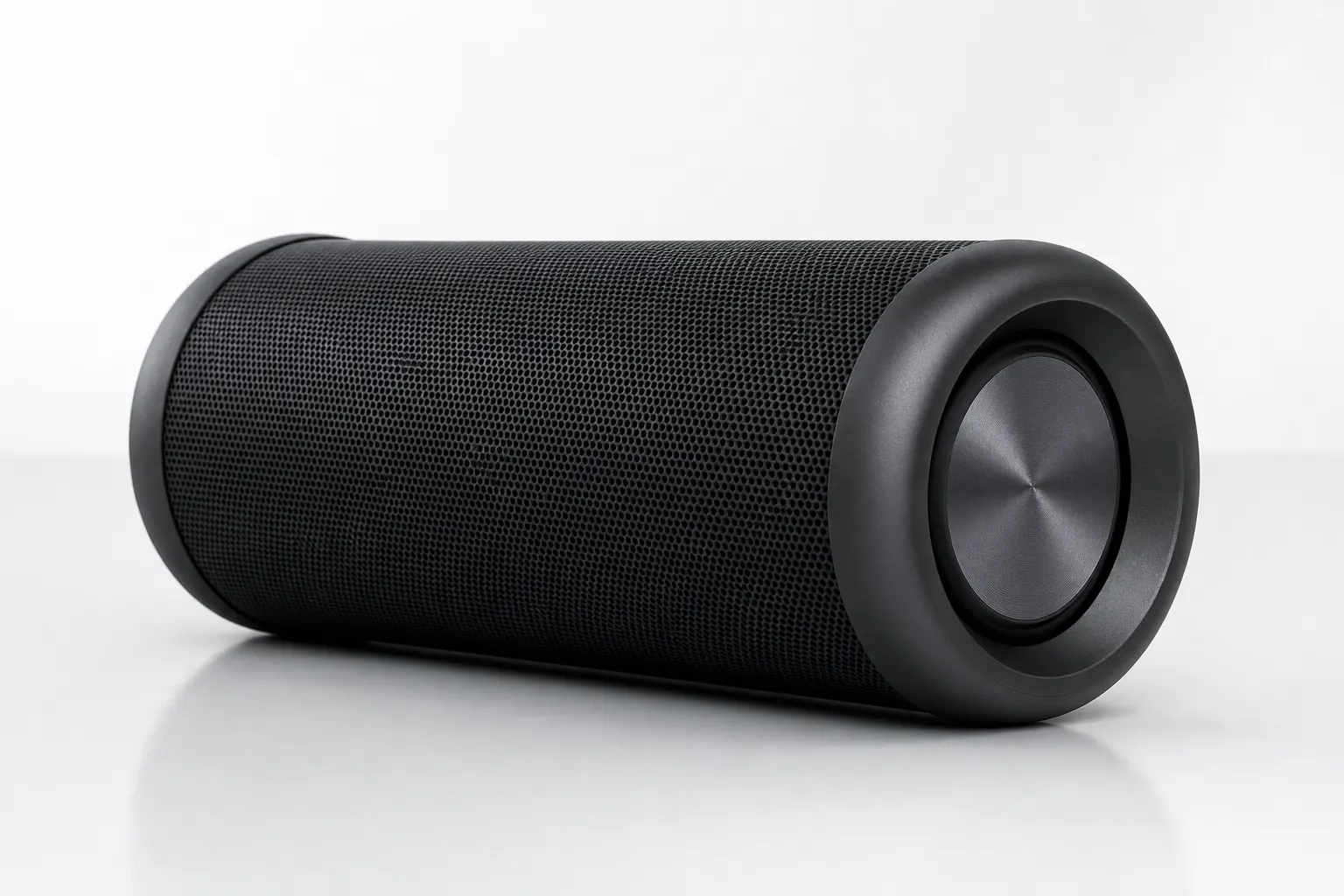
Bluetooth 5.0 or 5.4 connects external speakers and headphones. The built-in speaker handles kids shows and casual viewing but sounds thin for movies. Pairing a Bluetooth speaker through Settings transforms the experience — owners consistently rank this as the highest-impact upgrade. AirPlay and Miracast support wireless screen mirroring from iOS, Android, and many laptops; see our app guide for pairing steps.
Physical ports
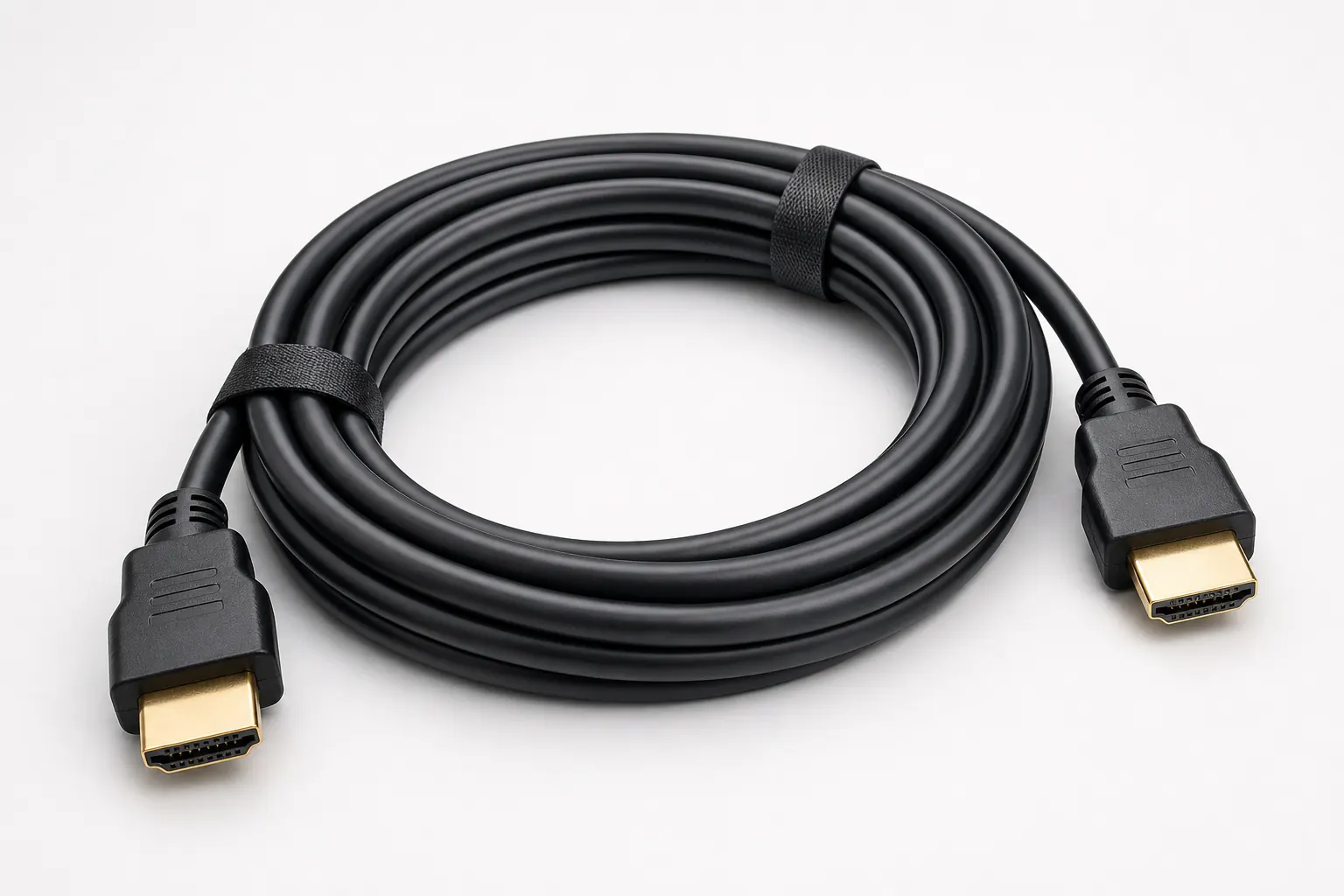
The rear panel includes HDMI for wired sources — laptops, consoles, and streaming sticks. USB-A accepts flash drives for local media playback and USB mice for Android navigation. A DC power input runs from the included adapter; note that the cord is relatively short, so plan outlet placement or use a rated extension.
Some batches add a 3.5 mm audio jack for wired headphones or speakers, though Bluetooth is the preferred audio path for most owners. No Ethernet port — Wi-Fi only for network access. Port layout is identical across variants, so accessories like HDMI cables and USB drives work universally.
Rotating stand design
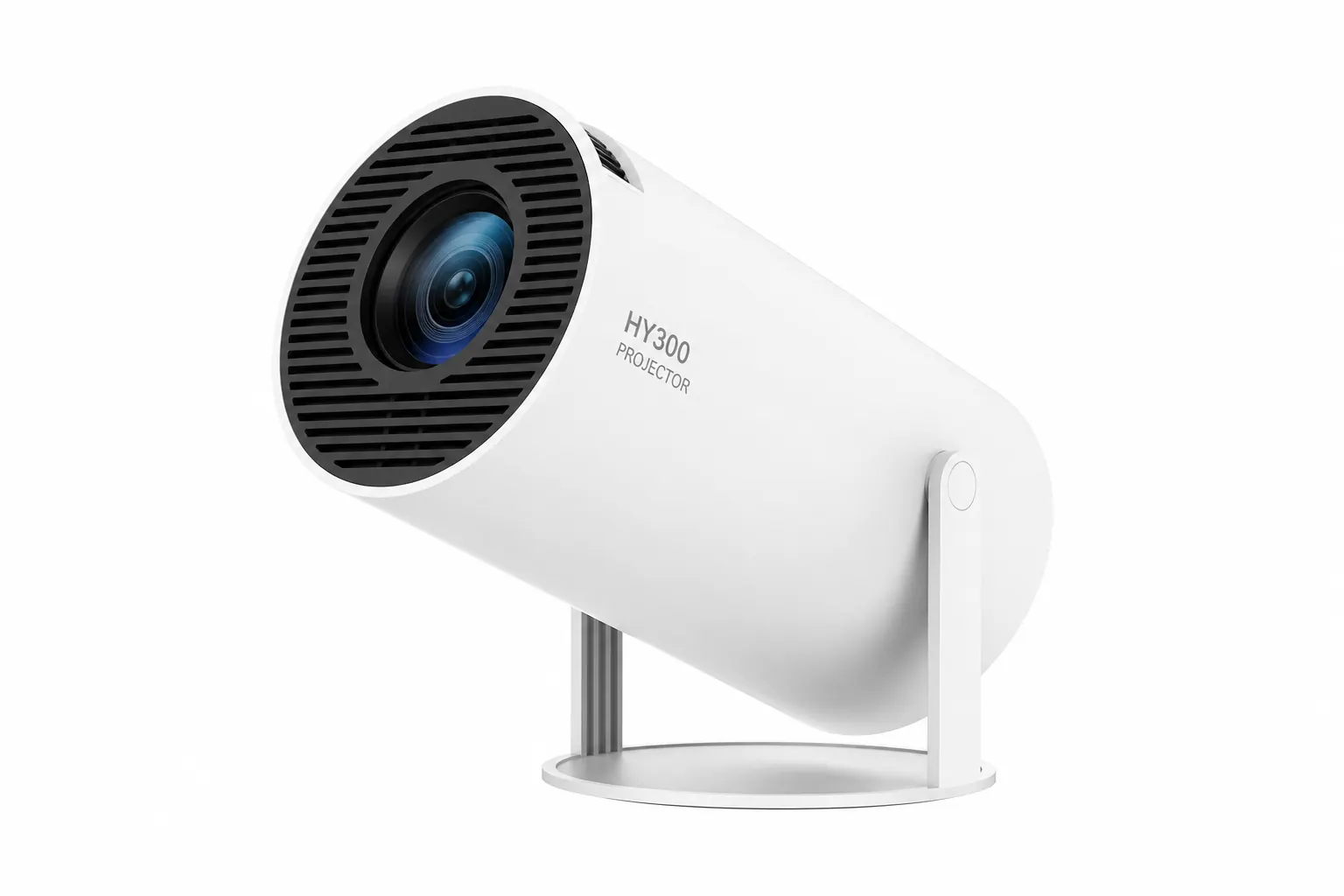
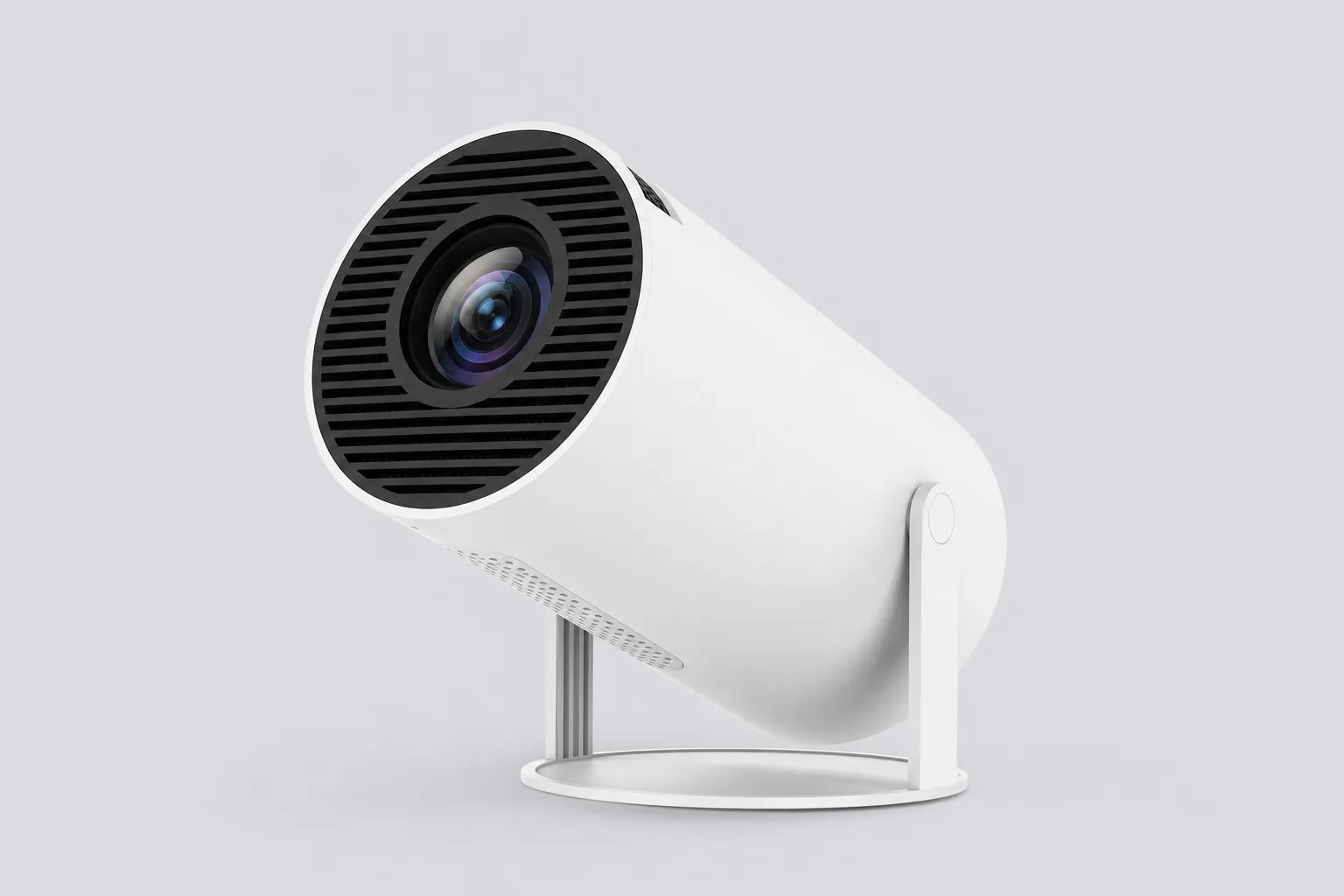
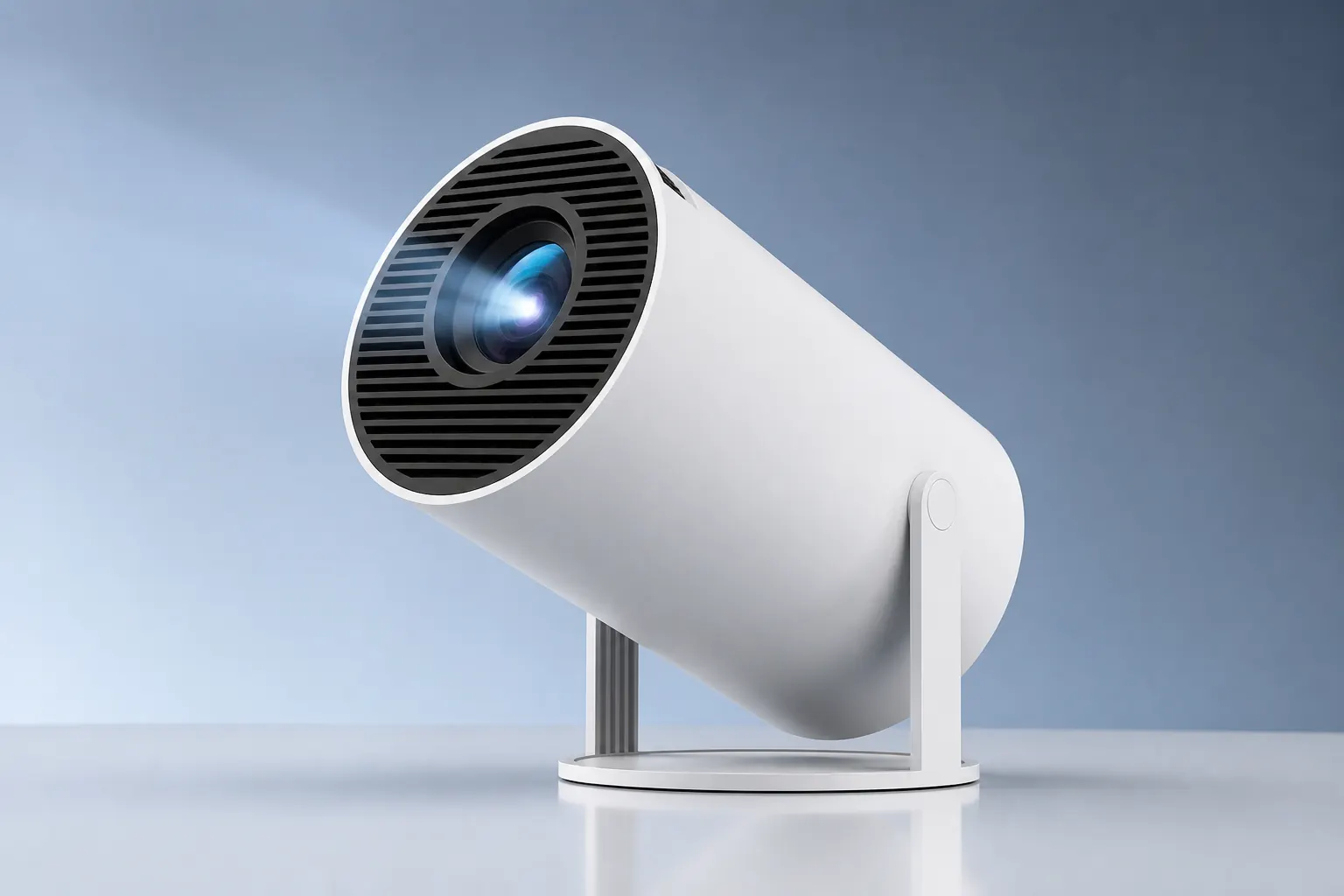
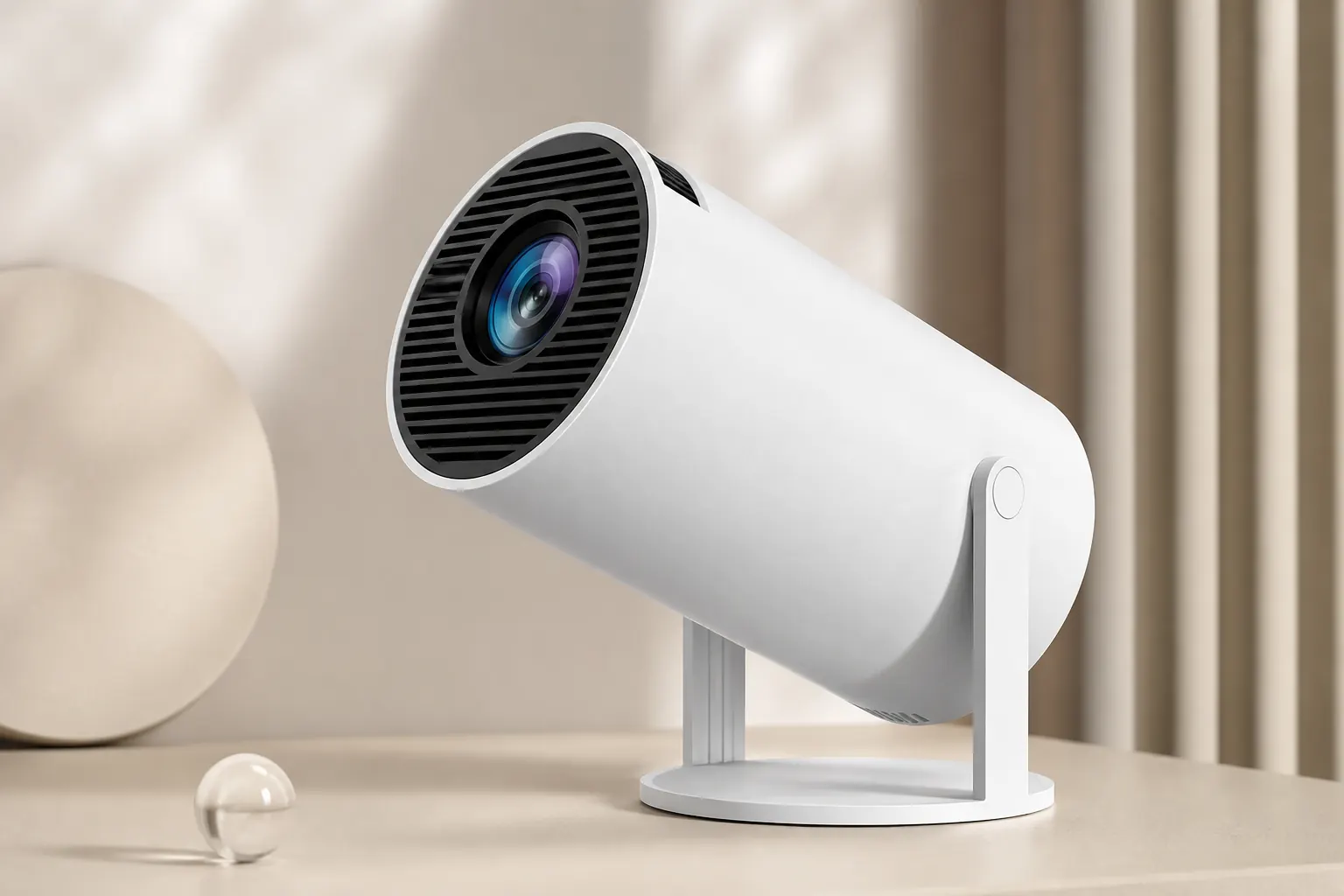
The signature 180-degree rotating stand sets the HY300 apart from flat-base competitors. Tilt from tabletop wall projection to ceiling viewing without a tripod. Lock the hinge at your angle, power on, and let auto keystone square the frame. Ceiling bedtime viewing is the use case owners mention most in reviews.
The stand is integrated — not a detachable accessory. Weight distribution keeps the unit stable on flat surfaces at moderate tilt angles. For permanent ceiling mounting, third-party brackets exist, but the built-in stand covers most portable scenarios. Avoid over-torquing the hinge; it is designed for hand adjustment, not wrench force.
Throw and screen size
Throw ratio on the HY300 supports screen sizes from roughly 40 to 130 inches depending on distance. Move the projector back for larger images; move closer for compact bedrooms. At 2–2.5 meters you land in the 80–100 inch sweet spot most owners prefer.
Keystone correction handles moderate angle offsets, but extreme side angles reduce sharpness at the corners. Center the projector when possible. A white or light grey wall reflects best; colored walls shift color temperature. Outdoor use works at dusk with a portable screen — brightness limits daytime backyard projection.
Variant comparison
HY300 Standard is the baseline: Android 11, 200 ANSI lumens, Bluetooth 5.0, full port set, rotating stand. Best for budget-conscious buyers who watch in dark rooms. HY300 Plus adds pre-installed apps and audio tuning at a mid-tier price — good for faster first-night setup.
HY300 Pro targets buyers who want Android 14, Bluetooth 5.4, and up to 300 ANSI lumens. HY300 Ultra emphasizes 4K input decoding and lens improvements for larger screen sizes. All four share the same compact footprint and stand mechanism — differences are firmware, brightness, and minor optical tuning.
Honest pros and cons
Pros: Built-in Android eliminates dongles. The rotating stand enables ceiling projection in seconds. Auto keystone and wireless casting reduce setup friction. Price-to-feature ratio beats most name-brand portables. Compact size fits travel bags.
Cons: Native 720p limits giant-screen sharpness. 200–300 ANSI lumens require dim rooms. Built-in speaker is adequate, not cinematic. Short power cord needs planning. Firmware batches vary — verify Android version on receipt. Fan noise is audible in quiet scenes.
Setup recommendations
Position the stand first, connect power, join Wi-Fi, then install apps before fine-tuning image. Roll manual focus until credits text looks sharp. Let auto keystone run, then adjust manually if corners still drift. Pair a Bluetooth speaker before starting playback.
For HDMI sources, set the source device to 1080p or 4K output and let the HY300 scale down. Update firmware when prompted — our firmware guide walks through safe update steps. Explore the companion app for remote control from your phone when the physical remote is out of reach.